Figma's New AI Tools Transform Image Editing for Designers
Figma's AI Revolution: Image Editing Made Simple
Designers, rejoice! Figma's latest update brings game-changing AI tools right to your workspace. No more switching between applications or struggling with complex edits—these new features promise to streamline your workflow like never before.
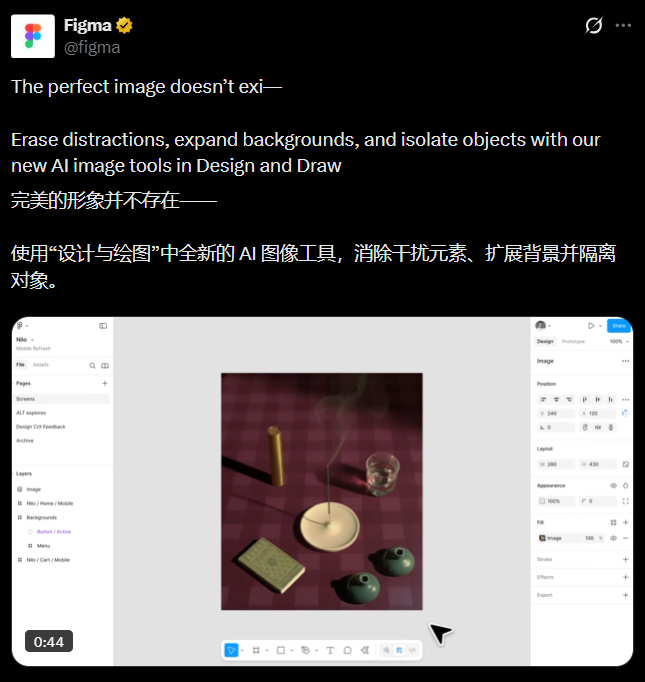
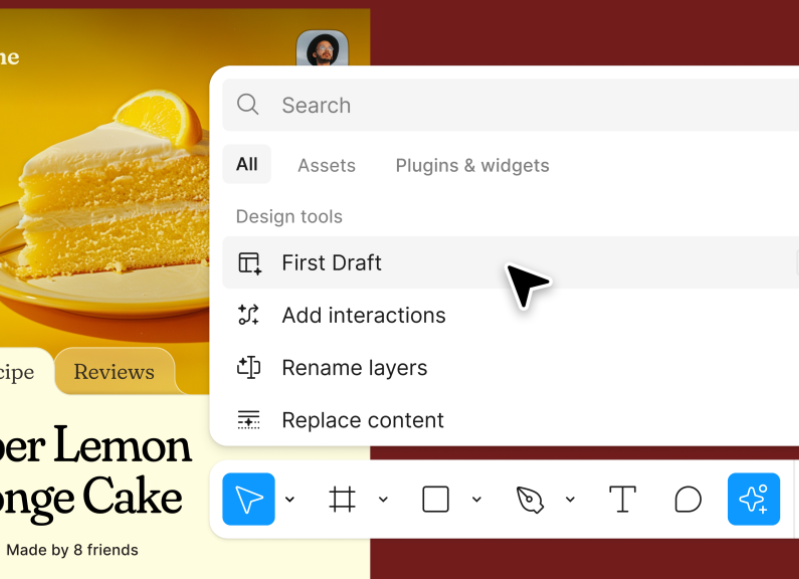
What's New in Figma's Toolbox
The platform now offers three standout features alongside its existing capabilities:
- Smart Object Removal - Simply lasso unwanted elements and watch them disappear, with AI seamlessly filling the background
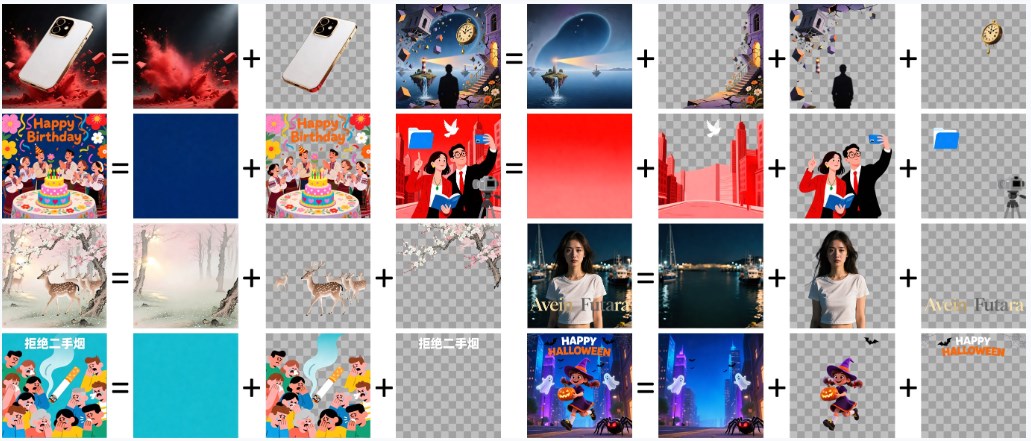
- Precision Extraction - Isolate people, text, or objects with surgical precision while preserving the original background
- Intelligent Expansion - Need more canvas space? The AI extends images naturally while maintaining style consistency
"It's like having a Photoshop expert built into Figma," says one early adopter. "The text extraction is particularly impressive—it handles even complex layouts beautifully."
Why Designers Are Excited
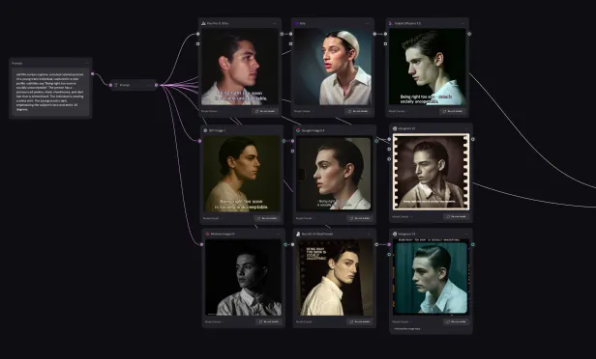
The magic lies in how these tools integrate with Figma's existing ecosystem. Background removal—already a favorite feature—has become even more accurate. The new prompt-based editing lets you make changes through simple text commands, opening creative possibilities without technical hurdles.
For UI/UX professionals creating marketing materials or refining prototypes, this means staying in one environment from concept to final polish. No more exporting, editing elsewhere, then reimporting—just smooth, uninterrupted workflow.
Professional Results Without the Learning Curve
Early feedback suggests these AI tools deliver quality comparable to specialized software like Photoshop, but with Figma's signature ease of use. The layering precision handles complex images remarkably well, especially when working with text elements.
The update is currently available for Figma Design and Draw users on Professional plans or higher, with wider rollout expected soon.
Key Points:
- All-in-one solution - Edit images without leaving Figma
- Time-saving precision - Complex edits reduced to simple clicks
- Seamless integration - Works with existing AI generation features
- Professional quality - Results that rival dedicated editing software