Google's Stitch Redefines AI Design with Five Game-Changing Features
Google Stitch Evolves into a Full-Fledged AI Design Partner
In a quiet yet significant move, Google Labs unveiled a major upgrade to its Stitch design tool on March 18, 2026. This isn't just another feature update—it's a complete reimagining of what AI-powered design tools can achieve.
The Infinite Canvas That Actually Gets You
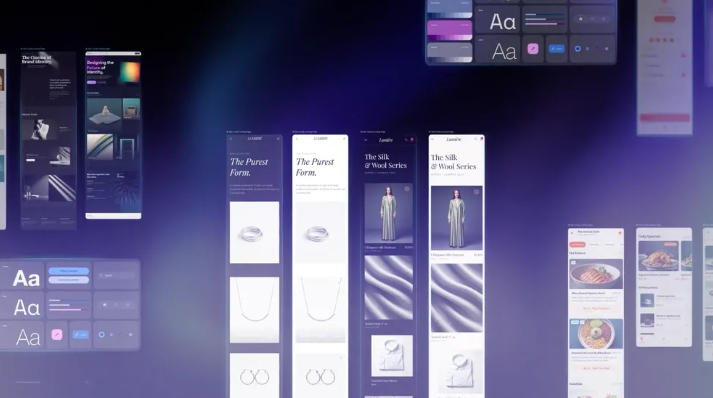
The standout feature is the new AI-native infinite canvas. Unlike traditional tools that treat each prompt as an isolated request, Stitch now understands the bigger picture. 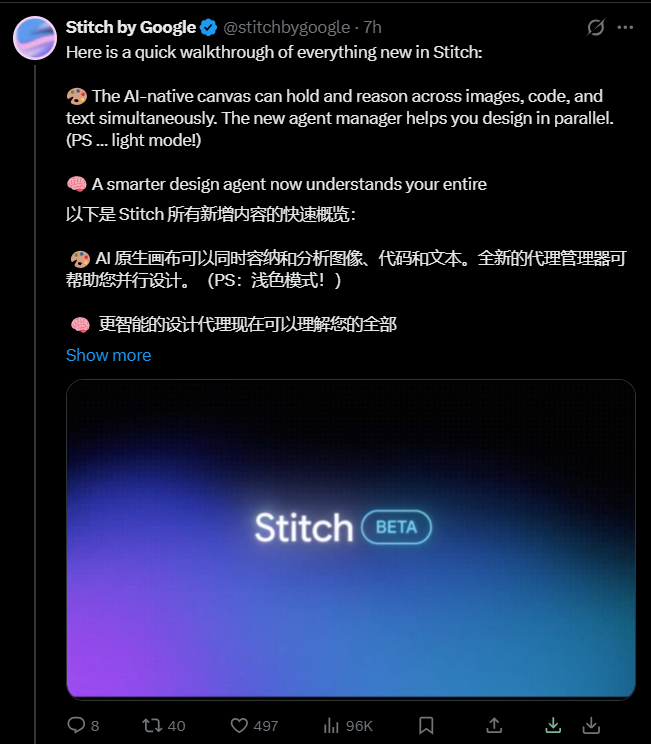 It can simultaneously process images, text snippets, and code fragments while maintaining awareness of your project's overall direction. The addition of an eye-friendly light mode makes those marathon design sessions less straining.
Your New Design Co-Pilot
Google has supercharged the Design Agent, transforming it from a simple executor into a true collaborator. Imagine working on mobile and desktop versions simultaneously while your AI partner automatically generates supporting documentation. Common tasks like logo swaps or responsive adaptations now happen almost effortlessly.
Talk to Your Designs
The integration of voice interaction might be the most surprising—and useful—addition. Need to tweak your layout? Just say it out loud. Want feedback on color choices? Ask directly. This "Vibe Design" approach lets you focus on the emotional impact rather than getting lost in technical details.
From Static to Interactive in Seconds
The new real-time prototype feature eliminates the waiting game. Click "Play" and watch as your static mockups transform into clickable prototypes before your eyes. The AI even anticipates user flows, generating logical next screens based on interaction patterns.
Consistency Made Simple
The introduction of DESIGN.md might seem technical at first glance, but it solves a universal problem: maintaining design consistency across projects. This Markdown-based system ensures brand guidelines automatically propagate through every element you create.
Key Points:
- Context-aware canvas understands your entire project workflow
- Voice controls enable hands-free designing for faster iteration
- Instant prototyping turns mockups into testable products immediately
- Design system integration keeps branding consistent across all outputs