Google Gemini Adds Instant Answers Feature for Quicker Responses
Google Streamlines Gemini with Instant Answers Option
Google continues refining its Gemini AI assistant with practical features that prioritize user experience. The latest addition? An "Instant Answer" button that cuts through wait times when you need information fast.
How It Works
When using Gemini's Pro or Think versions, users will spot a new button beside the familiar loading circle. This isn't just cosmetic - tapping it skips the system's deeper processing to deliver quicker responses. 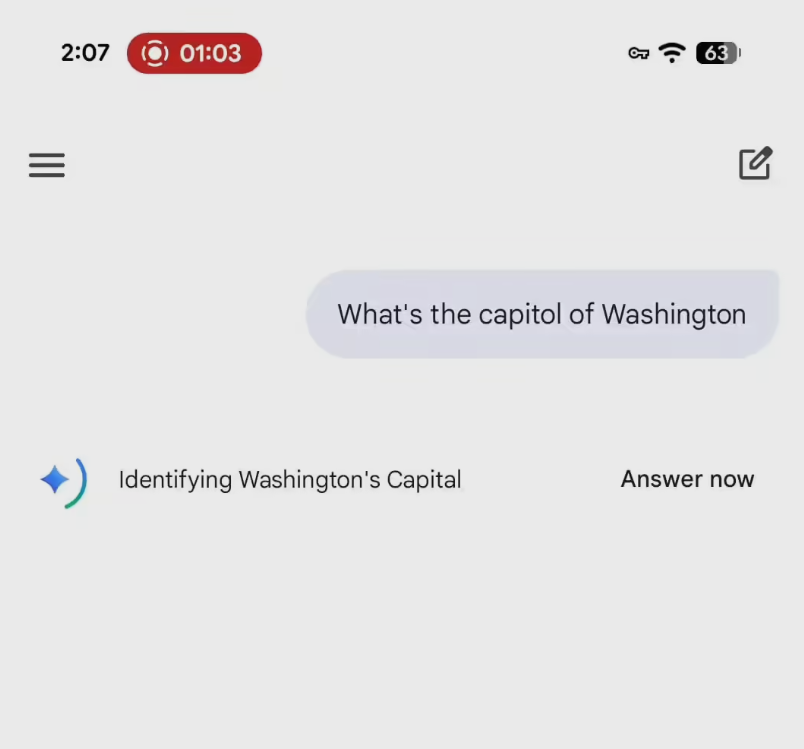
"We recognize that sometimes you just need an answer," explains Google's product team. "The Instant Answer feature gives users control over when they want rapid responses versus more considered ones."
Interestingly, the Fast version (Gemini 3 Flash) doesn't include this option since it's already optimized for speed. Google has also separated usage limits between Think and Pro versions, allowing each tier to maintain its distinct advantages.
Practical Benefits
The implementation is straightforward:
- Click "Instant Answer" when prompt response matters most
- Receive immediate confirmation that deep processing is being bypassed
- Get results without waiting for full analysis
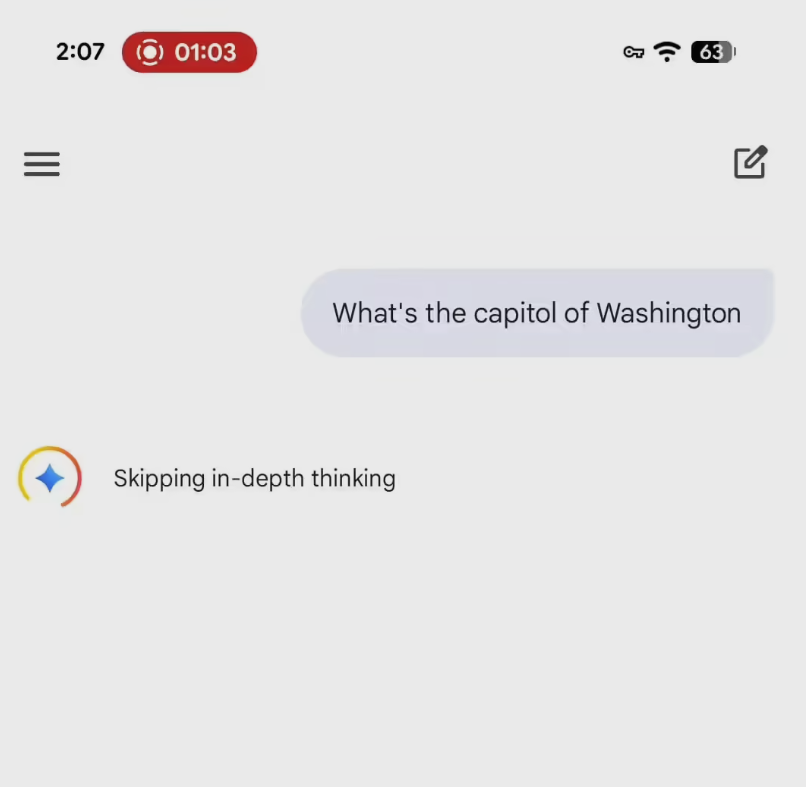
Available across Android, iOS, and web platforms, this update replaces the previous "Skip" button with clearer functionality. Both free and paid users can access the feature immediately.
Balancing Speed and Depth
This development highlights Google's nuanced approach to AI interactions:
- Choice: Users decide when to prioritize speed over depth
- Consistency: Selected models remain active (no automatic downgrading)
- Clarity: Improved interface communicates options effectively
The move reflects growing understanding that different situations call for different response types - whether brainstorming ideas or checking quick facts.
Key Points:
- New one-click instant answers available in Gemini Pro/Think versions
- Maintains selected model rather than defaulting to Fast version
- Rolled out across all platforms immediately
- Replaces previous skip function with more intuitive design
- Free and paid users both benefit from the update