Flowstep AI Review: Revolutionizing Design Workflows
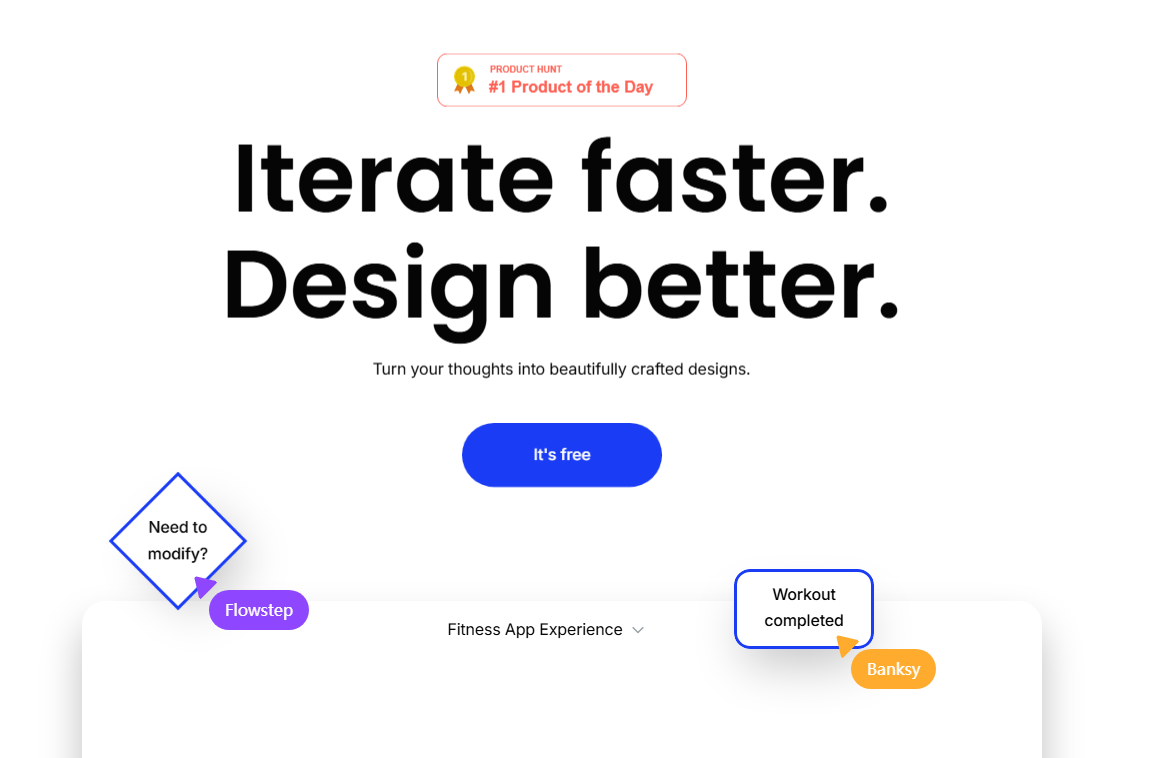
In the fast-evolving world of digital design, Flowstep AI is making waves as more than just another tool—it's becoming an indispensable partner for creative professionals. By integrating artificial intelligence with design workflows, this platform promises to transform how teams approach UI/UX projects.
The AI-Powered Design Revolution
Flowstep positions itself as an end-to-end intelligent assistant, tackling four major industry pain points: chaotic resource management, inconsistent design standards, inefficient collaboration, and subjective decision-making. Unlike traditional tools that simply execute commands, Flowstep actively learns user preferences and offers contextual suggestions.
The platform shines brightest for:
- Independent designers seeking productivity boosts
- Teams requiring standardized workflows
- Startups needing rapid prototyping
- Product managers coordinating cross-functional feedback
Hands-On Experience: Where Flowstep Excels
The onboarding process impresses with intuitive guidance and smart resource recommendations based on user profiles. The dark-themed interface maintains clarity while offering powerful features:
AI Design Suggestions adapt to your style over time, providing layout optimizations and color schemes that evolve with your preferences. During testing for an e-commerce project, suggestions became increasingly tailored after just a few iterations.
Standard Management features set a new benchmark—changing a button style automatically flags all related components needing updates. This proved three times faster than manual searches in conventional tools.
Collaboration Tools transform chaotic feedback into actionable insights. When five team members provided input, Flowstep's AI synthesized their comments into a prioritized list within seconds—even interpreting vague critiques like "improve visual hierarchy" into concrete suggestions.
Pricing That Scales With Needs
Flowstep adopts a freemium model:
- Free tier: Basic functionality for individuals (3 collaborators)
- Professional ($29/month): Unlimited AI suggestions and advanced features
- Enterprise: Custom solutions including private AI training
The professional plan delivers clear value for designers spending 15+ weekly hours on projects. Enterprise options cater to organizations needing specialized design systems.
How It Stacks Up Against Competitors
| Feature | Flowstep | Figma | Adobe XD |
|---|
The choice depends on priorities: AI-driven workflows favor Flowstep, while plugin-dependent teams may prefer Figma's established marketplace.
The Verdict: Who Benefits Most?
Flowstep delivers exceptional value for:
- Efficiency-focused individual designers
- Teams prioritizing unified standards
- Agencies reducing technical overheads The platform struggles with mobile functionality and has fewer plugins than competitors—consider these limitations if they're dealbreakers for your workflow.
The free version provides ample opportunity to evaluate core capabilities before committing. Annual subscriptions offer 20% savings for serious users. Explore Flowstep AI" " nKey Points
- Flowstep combines AI intelligence with design workflows to automate repetitive tasks and standard management
- Real-time collaboration tools synthesize team feedback into actionable insights within seconds
- The platform outperforms competitors in AI integration but trails in mobile functionality and plugin variety
- Pricing scales from free individual use to custom enterprise solutions with private AI training