Lovart AI's New Tool Turns Posters Into Editable Designs Instantly
Lovart AI Revolutionizes Design Editing With One-Click Conversion
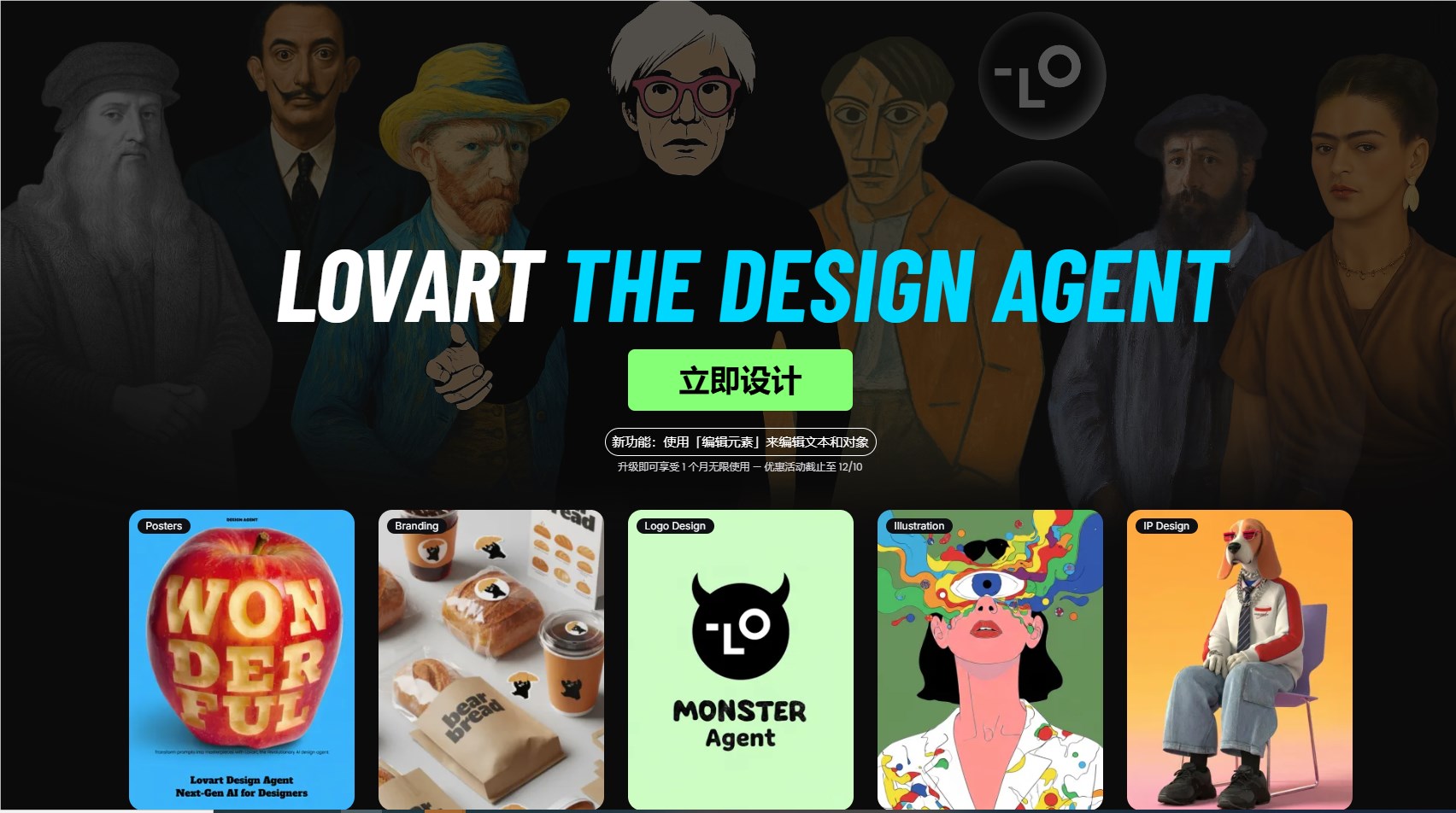
Designers struggling with missing source files can finally breathe easy. Lovart AI's new "Edit Elements" feature promises to eliminate one of the industry's most persistent headaches - converting finished designs back into editable formats.
How It Works: Magic Behind the Scenes
The tool uses an intelligent layering engine that automatically identifies and separates key components when you upload an image. Text becomes editable text layers (even handling tricky Japanese characters), while foreground elements and backgrounds split into movable, scalable components.
What makes this particularly appealing is the pricing model - just 5 credit points gives you unlimited adjustments to the same image. No more wasting credits on repeated generations when you're fine-tuning details.
Real-World Performance: Hits and Misses
Early testers report impressive results with standard marketing materials like posters, banners, and IP visuals. The separation of major elements works smoothly enough to rival professional design software.
However, the system isn't perfect yet. Dense icon clusters, tiny text elements, and complex lighting effects sometimes trip up the AI. Some font treatments like outlines or gradients might need manual restoration after conversion.
Industry watchers suggest incorporating spatial relationship understanding - similar to Adobe's depth map technology - could significantly boost accuracy in future updates.
Beyond Generation: AI as Creative Partner
This release signals an important evolution in design tools. Where previous AI solutions focused on generating new content, Lovart is bridging the gap to practical editing workflows. It's no longer just about creating starting points - now AI can actively participate in refining existing work.
The implications for designers are profound. Technical software skills may become less critical than the ability to effectively direct these powerful tools - what some are calling "AI direction" skills.
Looking ahead, Lovart plans to extend this technology to video frames, potentially opening new doors for dynamic content creation.
The "Edit Elements" feature isn't just solving practical problems - it's redefining what we consider possible in digital design workflows.
Key Points:
- Converts finished posters to editable PSDs instantly
- Handles text layers exceptionally well
- Unlimited edits per image for 5 credits
- Struggles slightly with complex overlapping elements
- Represents shift from generation to practical editing tools
- Video frame support coming soon