Edge Gets Smarter: AI Summarizer Brings Local Models to Your Browser

A New Way to Tackle Information Overload

We've all been there - staring at a daunting wall of text online, wishing someone could just give us the key points. Now Microsoft Edge users have a powerful new ally in their battle against information overload.
Image

Cloud Meets Local Computing

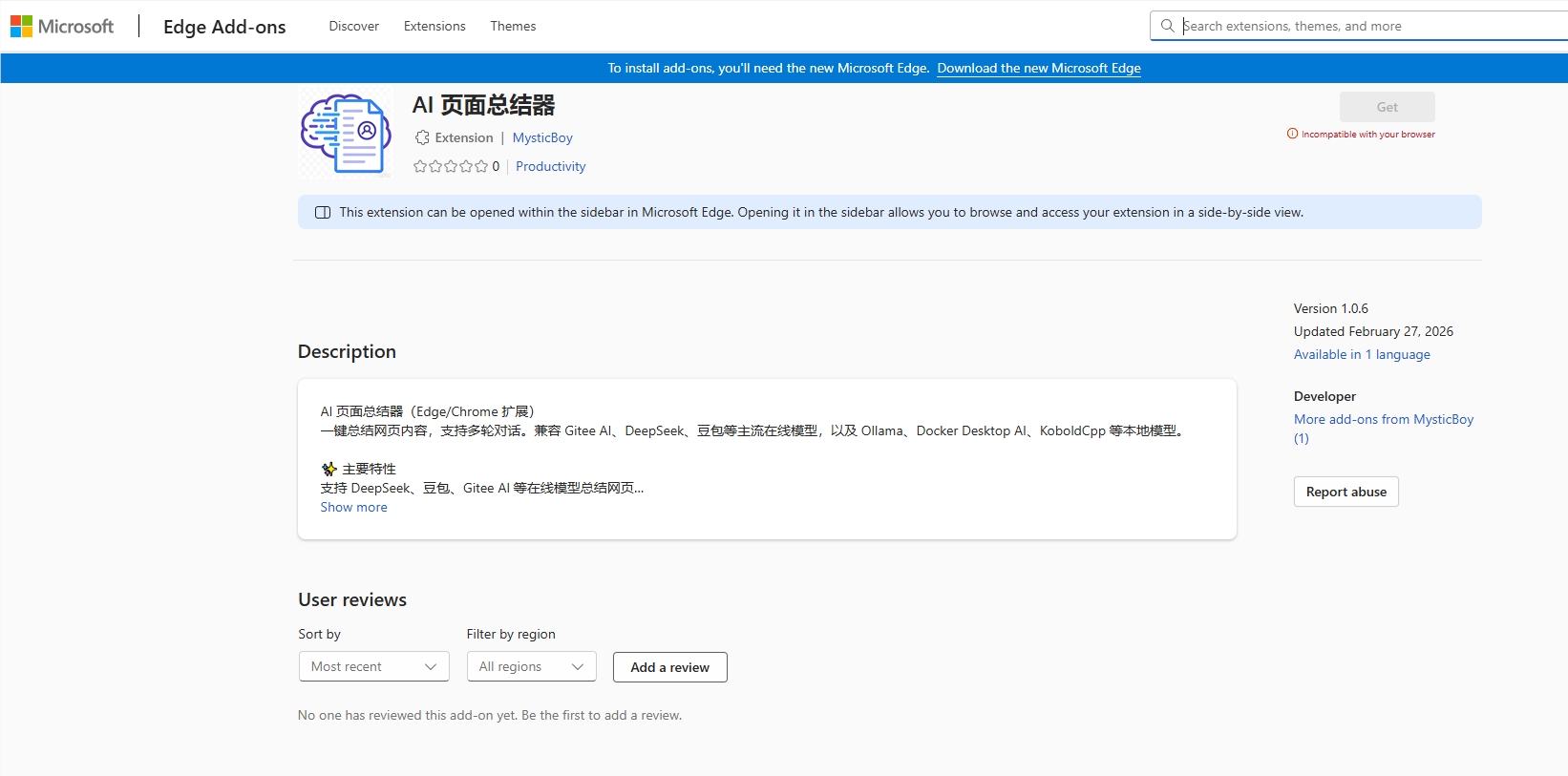
The AI Page Summarizer extension bridges two worlds beautifully. It works with popular cloud services like DeepSeek and Doubao, but also taps into your computer's own power through Ollama integration. This means you get summaries even when offline or handling sensitive material.

"What surprised us most," says one early tester, "was how seamlessly it switches between online and local models. It feels like having a research assistant living in my browser."

More Than Just Summaries

Don't let the name fool you - this tool offers much more than condensed versions of web pages. Its sidebar interface supports natural conversations about the content:

  • Dig deeper with follow-up questions
  • Request translations tailored to the context
  • Get around model limitations with smart text splitting (handling up to 15,000 characters)
  • Enjoy clean Markdown formatting for easy reading

The automatic model management particularly impresses tech-savvy users. When using Ollama, the extension handles downloads and switches between different AI models without any manual configuration.

Privacy-Conscious AI Assistance

In an era where data privacy concerns grow daily, the ability to process information locally gives this tool a unique advantage. Whether you're reviewing confidential documents or just prefer keeping your browsing private, local model support means your data never has to leave your device.

The extension is available now in the Microsoft Edge Store, offering what might be one of the most practical solutions yet for managing today's firehose of online information.

Key Points:

  • New AI Page Summarizer extension launches for Microsoft Edge
  • Supports both cloud-based (DeepSeek, Doubao) and local (Ollama) AI models
  • Sidebar interface allows natural conversations about page content
  • Handles long texts automatically (up to 15k characters)
  • Particularly valuable for offline use and privacy-conscious users
Enjoyed this article?

Subscribe to our newsletter for the latest AI news, product reviews, and project recommendations delivered to your inbox weekly.

Weekly digestFree foreverUnsubscribe anytime

Related Articles

Tencent's WorkBuddy AI Agent Makes Desktop Automation Effortless
News

Tencent's WorkBuddy AI Agent Makes Desktop Automation Effortless

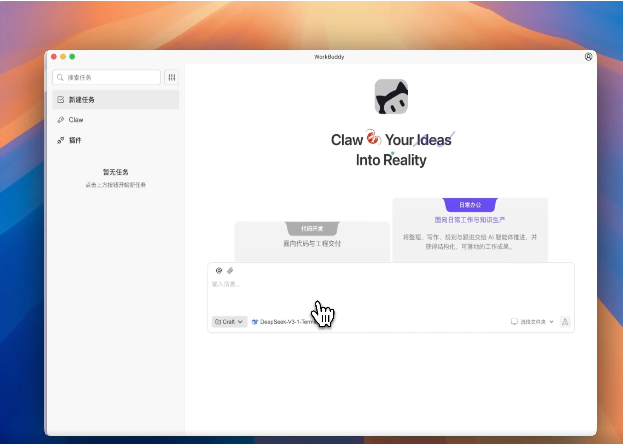
Tencent has unveiled WorkBuddy, a versatile AI agent that simplifies complex tasks right on your desktop. This new tool seamlessly integrates with OpenClaw's capabilities and lets users switch between major Chinese AI models with ease. Designed to boost productivity, it connects with popular work apps and offers voice-controlled automation for everything from research to report generation.

March 9, 2026
AI assistantproductivity toolsTencent
Microsoft Edge's New AI Feature Tames Tab Chaos in Seconds
News

Microsoft Edge's New AI Feature Tames Tab Chaos in Seconds

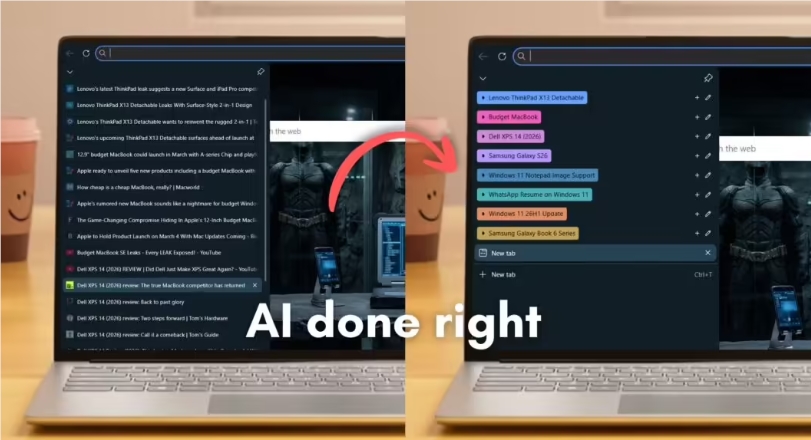
Microsoft Edge has rolled out an AI-powered tab organizer that could be a game-changer for anyone drowning in browser tabs. The feature analyzes page content, groups similar tabs automatically, and even assigns color-coded labels—all in under a second during tests. For professionals juggling dozens of tabs, this might finally bring order to their digital workspace.

February 26, 2026
Microsoft EdgeBrowser FeaturesAI Productivity
Karakeep's Game-Changing Update: Sync Across Devices and Smarter Text Recognition
News

Karakeep's Game-Changing Update: Sync Across Devices and Smarter Text Recognition

Karakeep's latest update transforms how we manage digital content. Imagine starting an article on your phone during your commute, then picking up right where you left off on your work computer. The new version also introduces remarkably accurate text recognition from images, making it easier than ever to extract information from photos or documents. These improvements, along with enhanced bookmark organization and important security fixes, make this update a must-have for anyone juggling information across multiple devices.

February 24, 2026
productivity toolsdigital organizationsoftware updates
News

DingTalk's New AI Assistant Promises to Tame Workplace Chaos

DingTalk's latest update introduces 'AI Xiaoding,' a dedicated assistant for every group chat that never sleeps. This digital helper manages tasks, summarizes discussions, and keeps teams organized around the clock. From sales teams to product development groups, early adopters report significant productivity gains as the AI transitions from passive tool to active collaborator.

February 6, 2026
workplace technologyAI assistantsproductivity tools
Claude Opus 4.6 Arrives: Smarter Coding, Smarter Office Work
News

Claude Opus 4.6 Arrives: Smarter Coding, Smarter Office Work

Anthropic's latest AI model Claude Opus 4.6 takes automation to new heights with groundbreaking features for developers and office professionals. The update brings unprecedented context memory (1 million tokens), sharper coding abilities, and deep Excel/PowerPoint integration - all while keeping prices steady. Imagine an AI that doesn't just respond but anticipates your workflow needs.

February 6, 2026
AI assistantsproductivity toolscoding AI
News

Google's AI Plus Goes Global: Now Available in 35 Countries for $7.99

Google is taking its AI Plus subscription service worldwide, expanding to 35 countries with a competitive $7.99 monthly fee. The package bundles powerful tools like Gemini 3 Pro AI models, video creation software, and cloud storage - offering new users half off for their first two months. This move signals Google's aggressive push into the booming AI subscription market.

January 28, 2026
GoogleAI subscriptionsGemini Pro