

ChatGPT Voice Recording Mode Launches for Plus Users on macOS
ChatGPT Voice Recording Mode Now Fully Available to Plus Users
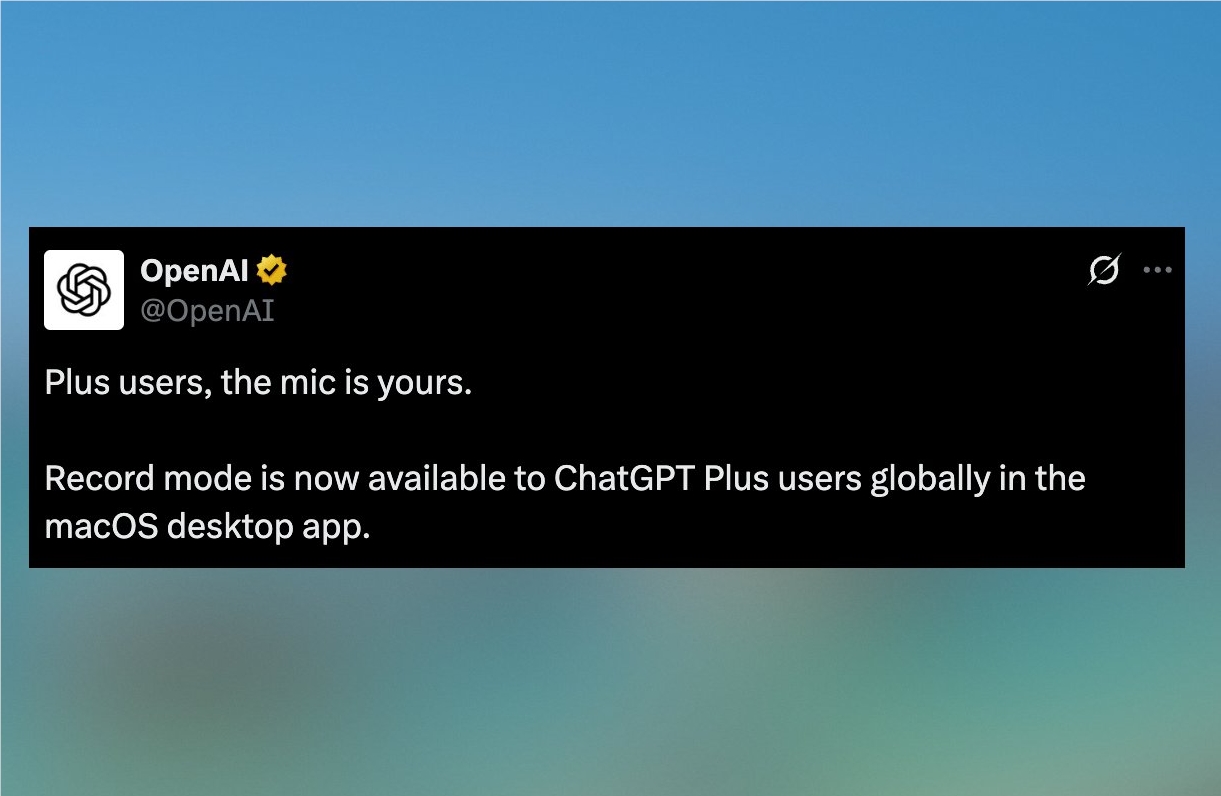
OpenAI has announced the full rollout of ChatGPT's Record Mode to all Plus subscribers, marking a significant upgrade in voice-enabled AI productivity tools. The feature, now live on the macOS desktop application, allows users to record, transcribe, and summarize voice content in real-time.
Early Access for Premium Users
Previously available only to a select group of testers, Record Mode leverages OpenAI's advanced speech recognition and natural language processing capabilities. Plus users can now activate the feature via the macOS app to:
- Record meetings with automatic summarization
- Capture brainstorming sessions with structured text output
- Enable cross-language communication through voice-to-text translation
The tool processes audio locally using on-device speech-to-text (STT), ensuring faster response times and enhanced privacy - particularly valuable for handling sensitive information.
Productivity Across Multiple Scenarios
Early adopters report strong performance in professional settings:
- Meeting efficiency: Automatically generates organized minutes from live discussions
- Creative workflows: Converts spontaneous ideas into actionable text notes
- Language applications: Supports real-time translation for multilingual conversations
While currently limited to macOS, OpenAI hints at future expansion to mobile platforms. The company continues refining the feature's accuracy in understanding context and generating summaries.
Technical Advantages Over Traditional Tools
Unlike basic transcription software, ChatGPT's Record Mode combines:
- Semantic understanding of conversation context
- Intelligent summarization capabilities
- Local processing for security-sensitive use cases
The development reflects OpenAI's commitment to making AI interactions more natural and integrated into daily workflows.
Key Points
- ✅ Full launch: Record Mode now available to all ChatGPT Plus users
- 💻 Platform: Currently exclusive to macOS desktop app
- 🔒 Privacy-focused: On-device processing avoids cloud dependency
- ⏱️ Efficiency gains: Saves hours on meeting notes and idea capture
- 🌐 Future plans: Mobile support expected in upcoming updates