Vercel's v0 Introduces AI-Powered Image Editing Features
Vercel's v0 Enhances Design Mode with AI Image Editing
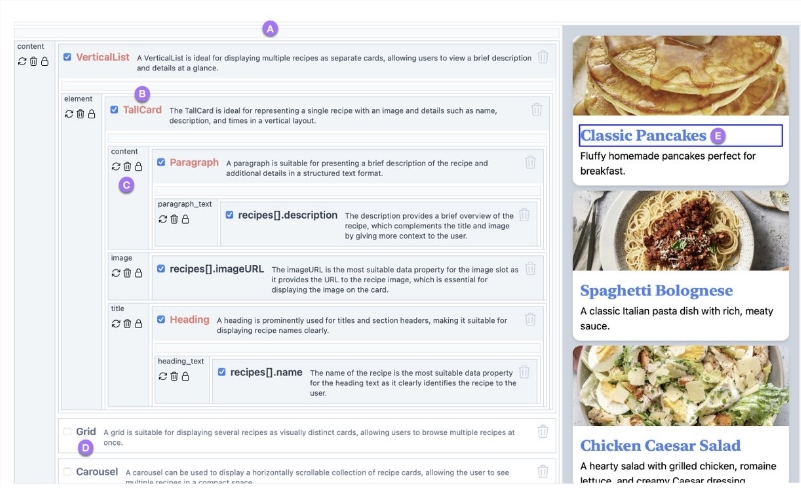
Vercel's AI-powered UI generation platform, v0, has unveiled a significant update that brings seamless image editing directly into its design mode. This feature is designed to simplify workflows for designers and developers by allowing them to modify images without switching to external applications.
New Features: Regenerate and Prompt to Edit
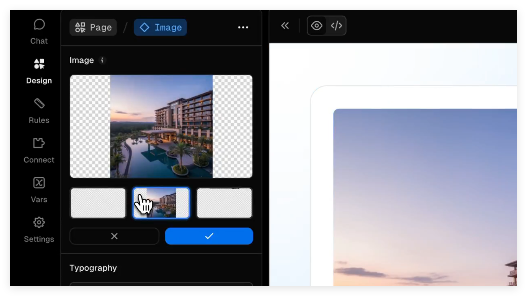
The latest release introduces two core functionalities:
- Regenerate: Users can instantly create new variants of selected images.
- Prompt to Edit: AI-driven adjustments based on text prompts.
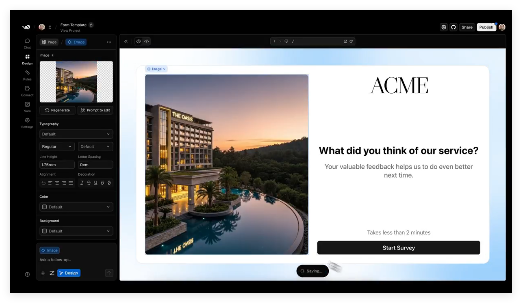
To activate these features, users simply enter design mode (via Option + D or the "Design" tab) and select any image element. A dedicated editing panel then appears on the right side of the interface.
Streamlining Multimodal Workflows
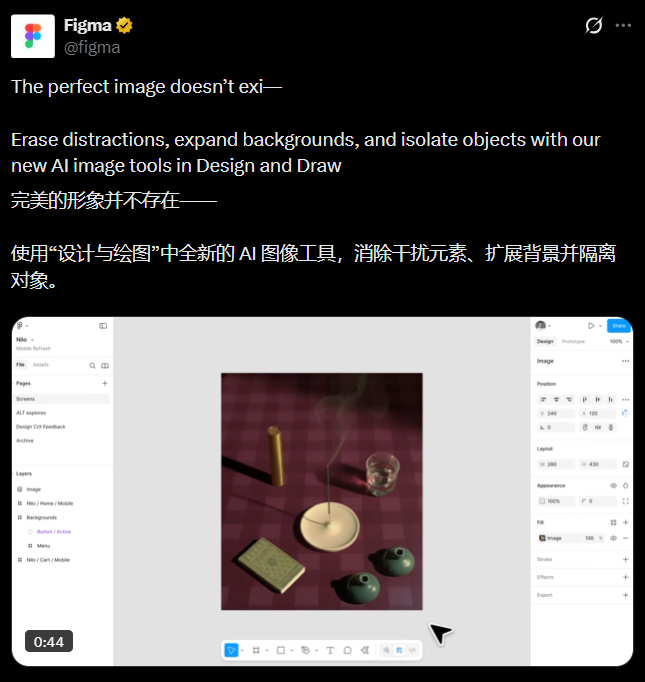
This update marks v0's evolution from text-based generation to multimodal editing. Previously, design mode supported typography adjustments (fonts, colors, shadows) and layout tweaks. The addition of image editing fills a critical gap, reducing reliance on tools like Photoshop or Midjourney.
According to Vercel's demo, the entire process—from selection to regeneration—takes just seconds. The company emphasizes that this feature was developed in response to user feedback, aiming to "turn creative ideas directly into production-grade UI."
Pricing and Accessibility
- Free tier: Basic visual adjustments (e.g., panel edits) do not consume v0 tokens.
- Paid tier: Prompt-driven generation follows standard billing rates.
Key Points
- 🚀 Direct image editing now available in v0’s design mode.
- ⚡ Supports AI-powered regeneration and prompt-based optimization.
- 🔄 Eliminates need for external tools like Photoshop.
- 💡 Free visual tweaks; prompt-based edits follow standard pricing.