Speechify Steps Up Its Game with New Voice Features

Speechify Adds Voice Commands to Chrome Extension

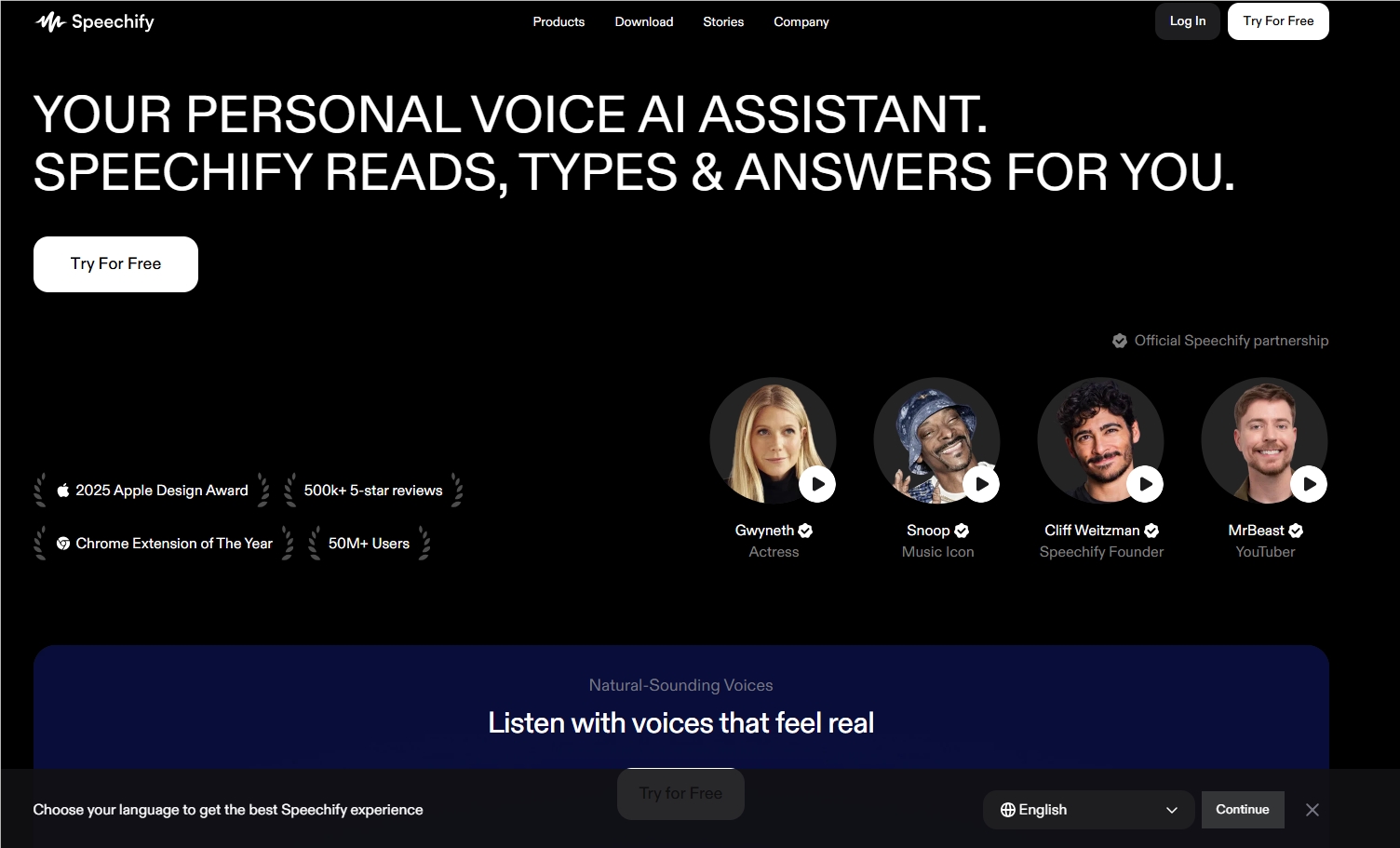
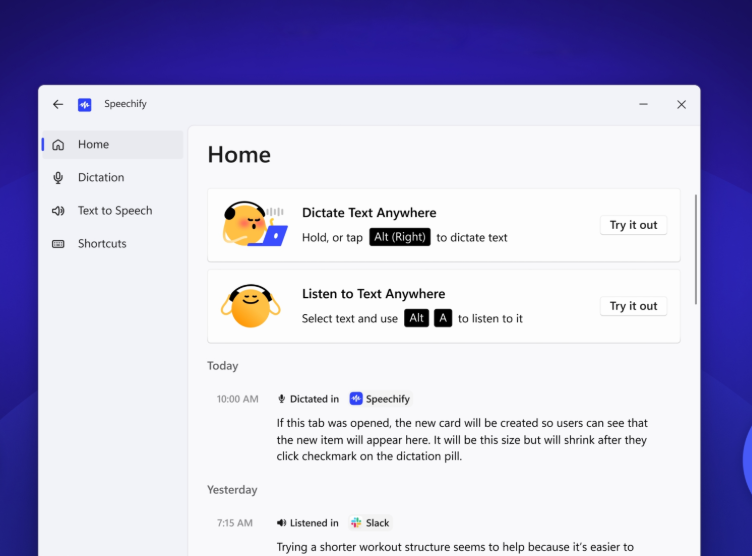
Speechify has rolled out exciting new features for its Chrome extension, bringing voice input and assistant capabilities directly to your browser. These additions promise to streamline how we interact with documents online - though they're not without their quirks.
Image

Hands-Free Typing Comes to Chrome

The voice input function automatically cleans up your speech by removing filler words and correcting errors in real-time. In our tests, it performed remarkably well on Google's own platforms like Gmail and Docs. However, triggering voice commands proved trickier on third-party sites like WordPress - a limitation Speechify acknowledges and plans to address.

Room for Improvement in Accuracy

When stacked against competitors like Wispr Flow and Monologue, Speechify currently trails in recognition accuracy. But here's the interesting part: the tool actually learns from your usage patterns. The more you use it, company reps explain, the better it gets at understanding your unique speech patterns.

A Voice-First Assistant Approach

What really sets Speechify apart is its dedicated browser sidebar assistant that answers questions about webpage content. Want a quick summary or simplified explanation? Just ask aloud. Unlike text-heavy alternatives from ChatGPT or Gemini, Speechify bets big on voice being the future of human-computer interaction.

The assistant does face compatibility issues with browsers that have built-in sidebar tools (looking at you, Atlas and Comet). But with Chrome's massive user base as their primary audience, Speechify seems confident about their positioning.

Looking ahead, the company plans to expand these features across all platforms while developing smarter agents capable of handling real-world tasks - imagine having your AI wait on hold with customer service!

Key Points:

  • Voice control arrives - Dictate text hands-free across websites
  • Google first - Works best on Gmail and Docs currently
  • Learning system - Improves accuracy over time
  • Conversational focus - Designed specifically for voice interactions
Enjoyed this article?

Subscribe to our newsletter for the latest AI news, product reviews, and project recommendations delivered to your inbox weekly.

Weekly digestFree foreverUnsubscribe anytime

Related Articles

ChatGPT Gets Smarter on Mobile: New Thinking Depth Control Lands
News

ChatGPT Gets Smarter on Mobile: New Thinking Depth Control Lands

OpenAI's latest mobile update gives ChatGPT users more control than ever. Now you can choose between quick answers or deep dives with new thinking modes. Plus subscribers get first access to features that make complex problem-solving easier on the go. The update also brings desktop-inspired formatting improvements, transforming how AI responses appear.

December 30, 2025
OpenAIChatGPTAIUpdates
News

ChatGPT Adds Pin Feature to Keep Key Conversations Handy

OpenAI introduces a new 'Pinned Chats' feature for ChatGPT, solving the frustration of losing important messages in endless conversations. Available across web and mobile platforms, this update lets users pin crucial chats to the top of their history. No more endless scrolling – your most valuable discussions stay accessible with just a tap or click.

December 19, 2025
ChatGPTProductivityToolsAIFeatures
Google's New AI Assistant CC Wakes You Up With Your Daily To-Do List
News

Google's New AI Assistant CC Wakes You Up With Your Daily To-Do List

Google Labs has quietly introduced CC, an experimental AI assistant that sends personalized morning emails summarizing your day's tasks across Gmail, Calendar, and Drive. Rather than just drafting replies, CC acts like a digital personal secretary - identifying important meetings, pending emails, and documents needing attention. Currently in limited testing, this unobtrusive helper might change how we organize our digital lives.

December 18, 2025
GoogleAIProductivityToolsDigitalAssistants
News

Google's NotebookLM Now Works Like Your AI Memory

Google has upgraded NotebookLM to integrate deeply with Gemini, turning your notes into an AI-powered memory bank. Now when you chat with Gemini, it can reference your personal documents and notes—like recalling client meeting details without digging through files yourself. This marks a shift from generic AI responses to truly personalized assistance that understands your work context.

December 15, 2025
GoogleAIProductivityToolsSmartAssistants
Zhipu AI Unveils Smarter Voice Typing with Open-Sourced Speech Tech
News

Zhipu AI Unveils Smarter Voice Typing with Open-Sourced Speech Tech

Zhipu AI shakes up the voice recognition game with two powerful new models - including a lightweight option that runs locally for better privacy. Their updated input method now turns speech into text with impressive accuracy, while adding handy features like translation. New users get a generous free trial to test drive these cutting-edge tools.

December 10, 2025
AISpeechRecognitionProductivityTools
ClickUp 4.0 Launches with Dual AI Agents
News

ClickUp 4.0 Launches with Dual AI Agents

ClickUp 4.0 introduces two AI agents and integrates task management, document collaboration, and messaging into one platform. The update aims to replace tools like Notion, Slack, and Teams, leveraging tech from acquired startup Qatalog.

November 5, 2025
ProductivityToolsAIInnovationClickUp