Side Reminder: Your Mac's Slick New Task Management Sidekick
Product Introduction
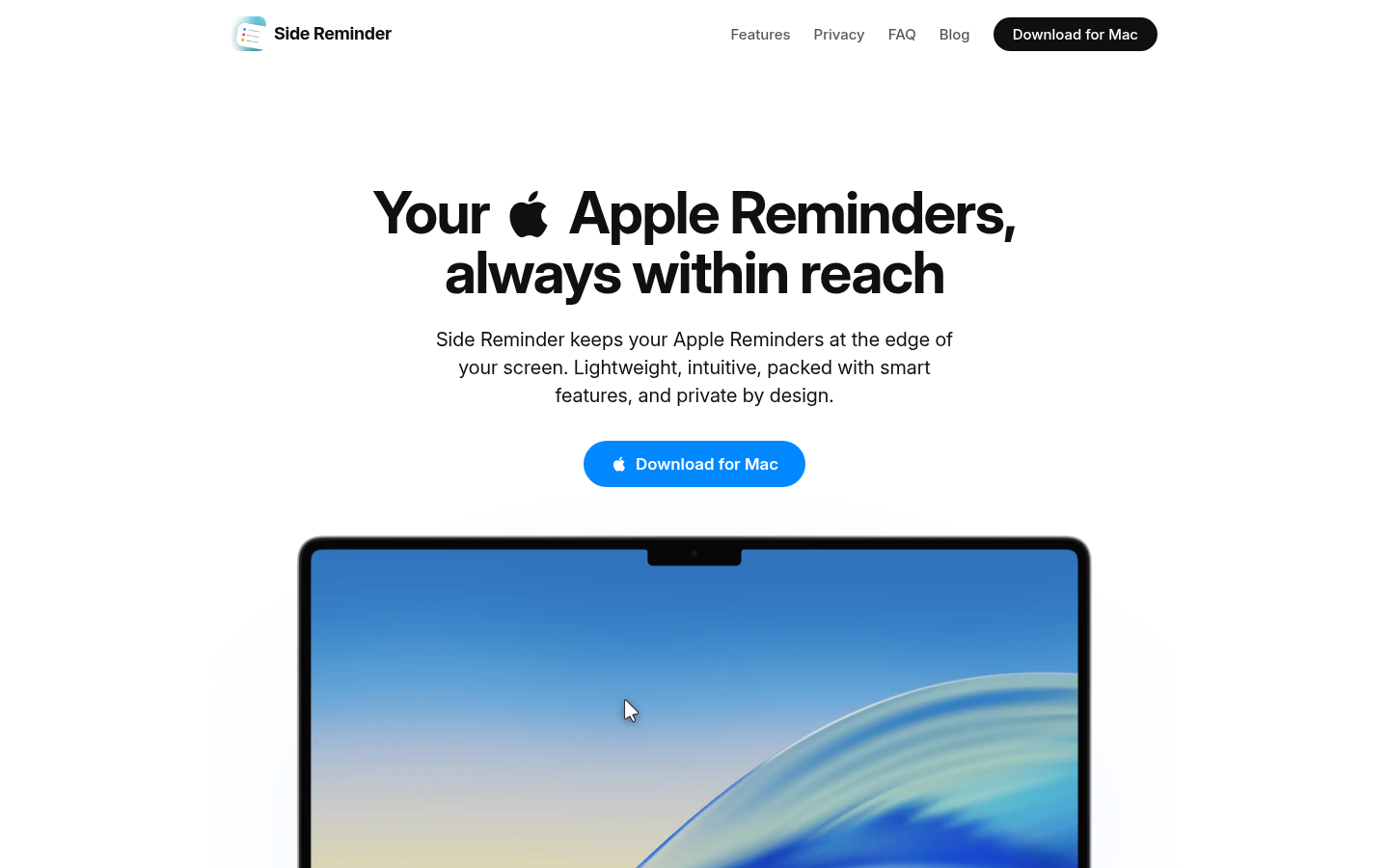
Meet Side Reminder - the Mac app that puts your tasks literally at your fingertips. Imagine working on a project when you suddenly remember something important. Instead of disrupting your flow, you just nudge your mouse to the screen edge, jot it down, and keep going. That's the magic of Side Reminder.
Built specifically for macOS, this app transforms Apple's Reminders into a powerhouse productivity tool. It's like having a personal assistant who only appears when you need them, then discreetly disappears when you're back in the zone.
Key Features
Edge-Access Magic
Your tasks appear like a helpful genie when you mouse to the screen edge, then vanish just as smoothly. No more juggling windows or losing focus - your reminders live where you naturally look.
Speak Your Mind
Hit Cmd+Shift+V and dictate reminders naturally. Your words stay private (no cloud processing) while getting captured perfectly. It's like having a conversation with your to-do list.
Focus Power-Ups
Turn any task into a focused work session with floating timers. Need to concentrate on writing that report? Set the timer and watch your productivity soar.
AI Assistant
Right-click any reminder to summon AI help. Need to break down a big project? Claude Code (or your preferred AI) can analyze it right in the app's terminal while you keep working.
Kanban Boards
Visual thinkers will love converting lists into kanban boards. Drag tasks between columns like "To-Do," "In Progress," and "Done" - watching your productivity take shape.
Why You'll Love It
For Developers: Never lose a brilliant coding idea again. Jot down bugs and TODOs without leaving your editor, then let AI help with solutions.
For Designers: Capture feedback and inspiration effortlessly while working in Figma or Sketch. The kanban view makes tracking design revisions a breeze.
For Students: Dictate lecture notes while keeping eyes on the professor. Sync reminders across Mac, iPhone, and iPad so deadlines never sneak up on you.
Get Started
- Grab it from the Mac App Store
- Open to sync with Apple Reminders
- Mouse to edge to start using instantly
- Try voice commands (Cmd+Shift+V is your new best friend)
- Explore AI and kanban features as you get comfortable