Super Coco: Your Mac's AI-Powered Voice Assistant
Super Coco: Your Mac's AI-Powered Voice Assistant
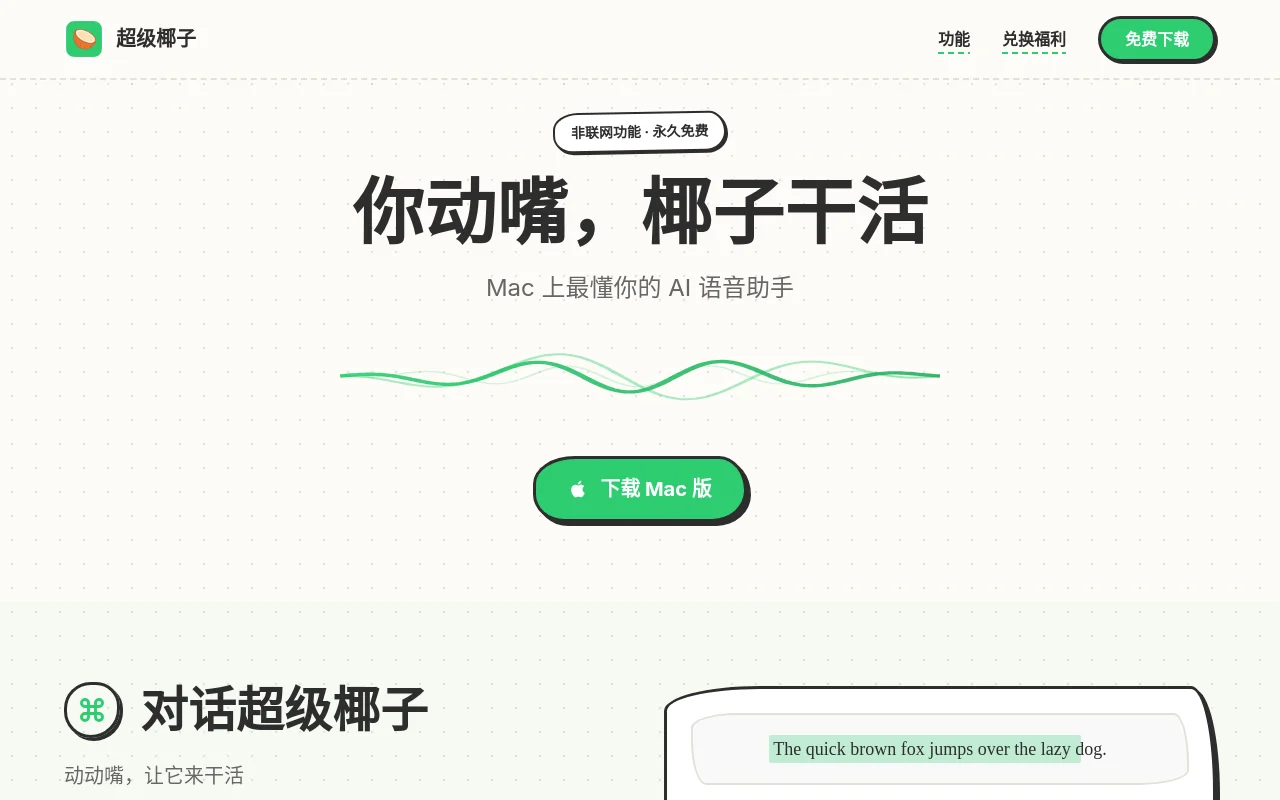
Ever wished your Mac could just take dictation—literally? That's where Super Coco shines. This isn't just another voice-to-text tool; it's like having a productivity genie living in your computer.
Why Mac Users Are Obsessed
Imagine this: You're reading a dense research paper in English when suddenly—"Translate this to Chinese." Boom. Instant translation appears right where you need it. Or picture brainstorming session where your half-formed ideas magically organize themselves into coherent bullet points as you speak them aloud.
Super Coco gets you:
- Hands-free control for common tasks (goodbye repetitive typing)
- Military-grade speed with responses faster than most keyboards can register
- Built-in privacy thanks to optional offline mode
- Free forever tools like screenshot markup that outperform paid alternatives
The magic happens through deep macOS integration—it doesn't just hear you, it understands context.
Standout Features That Feel Like Magic
Talk-to-Type on Steroids
Unlike clunky dictation software that leaves in every "um," Super Coco cleans up your verbal stumbles automatically. Dictate an email? It'll remove filler words while preserving your natural tone.
Context-Aware Text Tools
Highlight any text (in any app) and speak commands:
- "Make this more professional" → Instantly polished copy
- "Explain this code" → Clear commentary appears
- "Shorten by half" → Concise version generated
The AI remembers formatting too—lists stay lists, headings remain headings.
Visual Communication Boosters
The built-in screenshot toolkit lets you:
- Capture scrolling web pages with one click
- Annotate directly on images using voice commands ("Draw arrow here")
- Instantly share marked-up visuals with teammates All without leaving your workflow.
Future-Ready Functionality
Coming soon: Record complex workflows (like monthly reports) once, then have Super Coco replicate them perfectly with a single voice command.
Who It's Perfect For
| User Type | Superpower |
|---|
The common thread? Anyone who types more than they'd like to.
Getting Started Is Simpler Than You Think
a) Download → b) Enable permissions → c) Start speaking instead of typing. The AI handles the rest. Pro tip: The customizable wake phrase makes activation feel truly seamless."",