Notion Unveils AI Agent for Automated Workflows
Notion Introduces AI Agent to Streamline Productivity
Notion unveiled its first AI-powered agent during the Make with Notion event, marking a significant leap in productivity automation. The new feature enables users to automate tasks such as generating meeting notes, competitor analyses, and feedback pages by leveraging their existing Notion databases and pages as contextual references.
How the AI Agent Works
The agent goes beyond basic content creation—it can update existing entries, add new properties, or modify views dynamically. Users can even trigger actions from external platforms like Slack or Google Drive. For example, it can compile a vulnerability tracking dashboard by aggregating data from multiple sources.
Built atop Notion AI’s existing framework—previously limited to summarization and search—the agent now handles multi-step workflows with execution times of up to 20 minutes, processing hundreds of pages in a single task.
Personalization at Its Core
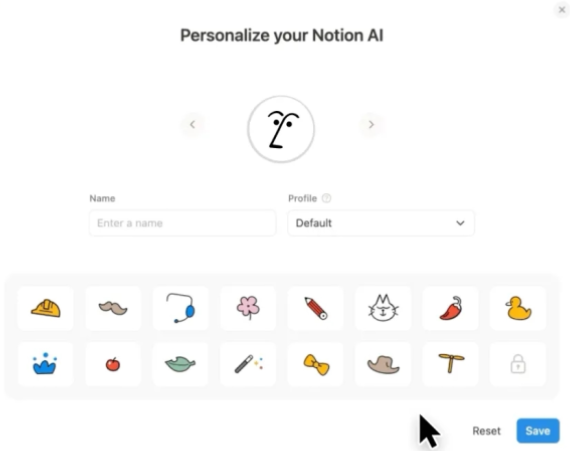
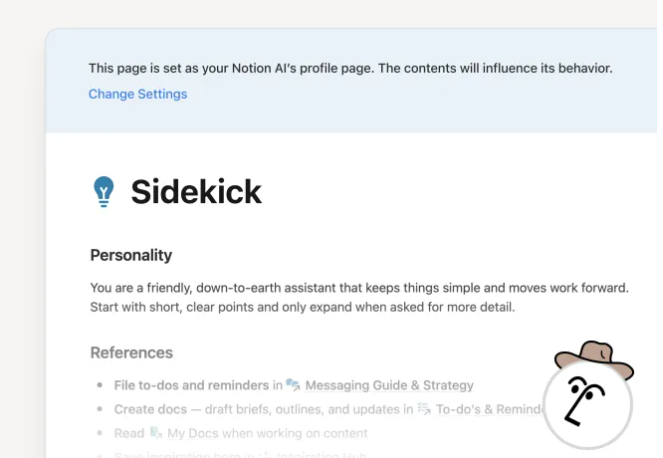
A standout feature is the ability to customize the agent’s behavior via a dedicated profile page. Users define citation styles, output formats, and task destinations. The agent can also "remember" key user preferences, storing them for future reference.
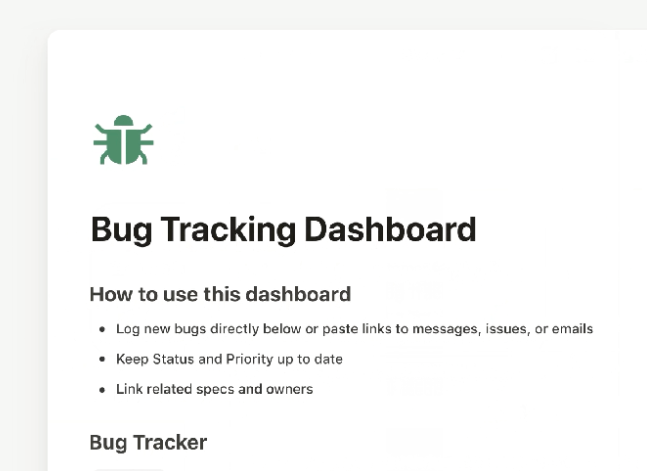
Demo footage showcased practical applications: updating landing pages, creating restaurant trackers, synthesizing reports from meetings, and generating competitive analyses.
Future Enhancements
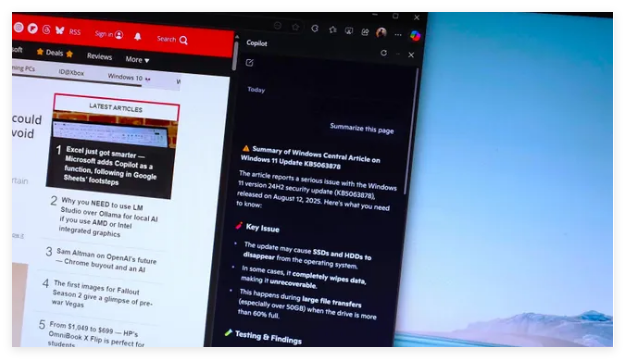
Currently, tasks require manual initiation, but Notion plans to introduce scheduled triggers and a template library for pre-configured workflows. This aligns with broader industry trends; competitors like Microsoft Copilot and Google Workspace AI are also advancing automation tools.
The release underscores Notion’s evolution from a static workspace into an intelligent assistant. While the 20-minute runtime limit indicates early-stage development, upcoming features like auto-triggering could redefine efficiency for knowledge workers.
Key Points:
- Automation: Generates notes, reports, and updates databases dynamically.
- Integration: Works with Slack, Gmail, and Google Drive for cross-platform tasks.
- Personalization: Customizable output styles and memory retention.
- Limitations: Manual triggering required; 20-minute max runtime per task.