Medeo AI's New Video Tool Simplifies Editing with Natural Language
Medeo AI Revolutionizes Video Editing with Natural Language Controls
Video creators just got a powerful new ally. Medeo AI's latest release introduces a true video agent that ditches rigid, one-time generation for fluid, conversational editing. Forget complex software—now you can reshape scripts as easily as chatting with a colleague.
Dynamic Editing Replaces Static Outputs
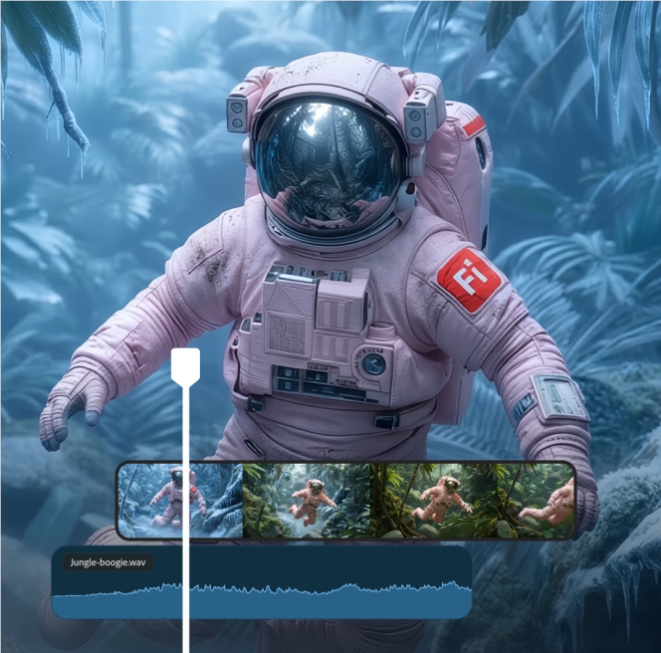
Gone are the days of starting from scratch after every change. Medeo's intelligent architecture lets users tweak videos using plain English commands. Need to add a transition shot? Just type "insert drone footage here." Want to mute background music? Say "remove audio track." The system instantly regenerates content while maintaining seamless continuity.
Early testers report this approach slashes production time by over 50%, especially valuable for:
- Marketing teams iterating campaign videos
- Educators updating tutorial content
- Social media creators adapting clips across platforms
Complex Ideas Meet Simple Execution
The upgraded prompt engine understands nuanced requests like "make this scene feel like a Christopher Nolan film" or "animate this diagram like it's explaining quantum physics to fifth graders." It even handles multimodal inputs—combine your rough sketch with descriptive text, and watch the AI build coherent scenes.
"We've seen users transform sci-fi book passages into animated explainers without any technical skills," notes Medeo's product lead. "That democratization excites us most."
Smart Features Handle the Heavy Lifting
Behind the scenes, Medeo's AI automatically:
- Syncs subtitles when scripts change
- Maintains consistent voice tones across edits
- Matches stock footage to narrative needs The built-in asset library now includes localized music tracks and multilingual voice options, smoothing global distribution.
Key Points:
- Conversational editing: Modify videos through natural language commands
- Real-time regeneration: Changes apply instantly without quality loss
- Lowered barriers: Beginners achieve professional results
- Multimodal support: Combine text prompts with images or sketches
- Global-ready: Built-in translation and localization tools