iOS 26 brings natural language search to your messages
Message searching just got human-friendly
Apple's iOS 26 update transforms how we find information in our messaging apps. Gone are the days of scrolling endlessly or guessing the right keywords - your messages now understand what you mean, not just what you type.

How it works
Imagine trying to find a specific photo in a years-long conversation thread. Previously, you might have needed to remember exact dates or keywords. Now, simply type something like "the photo of my mom from our beach trip last summer," and the system intuitively understands your request. The AI even makes smart connections - searching for "sand" might surface beach photos, ocean-related messages, and vacation plans.
This intelligence comes from Apple's proprietary language models, the same technology powering improvements in Photos and Music apps. The system analyzes your request contextually, understanding relationships between words, locations, dates, and even the emotional tone of conversations.
Device compatibility
The feature requires Apple's Neural Engine found in:
- iPhone 15 Pro and later models
- All iPhone 16 series
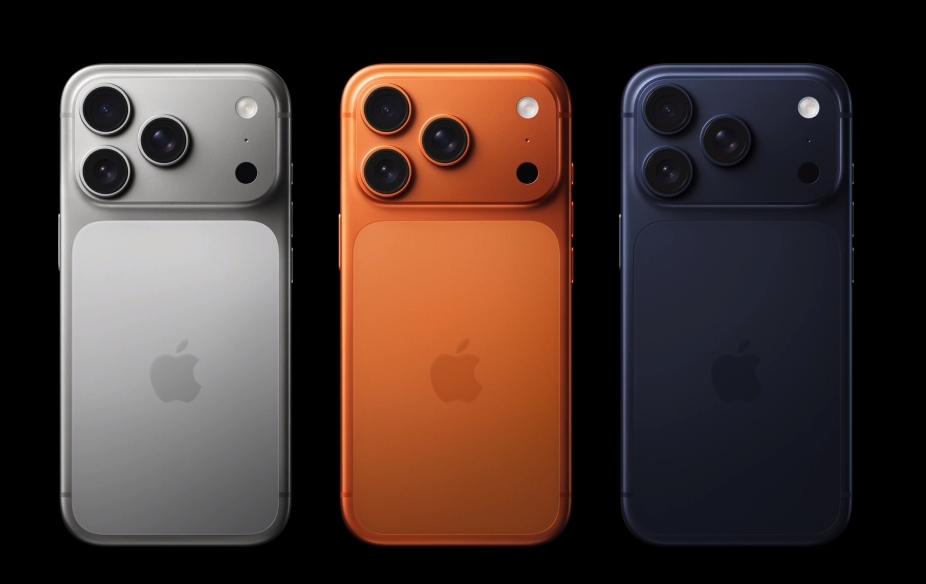
- All iPhone 17 series
- iPad Air (current generation)
There's nothing to download or configure - if your device supports Apple Intelligence, the upgraded search automatically appears in your Messages app.
Why this matters
Our messaging apps have become digital scrapbooks, storing everything from important dates to cherished memories. Yet until now, finding specific moments often felt like searching for a needle in a haystack. This update fundamentally changes that experience, making our digital conversations as easy to navigate as human memory.
Key Points:
📱 Natural language understanding - Search your messages like you'd ask a friend
🧠 Context-aware results - The AI connects related concepts automatically
⚡ Zero setup required - Works automatically on compatible devices
🔍 Deep message history - Finally find those old photos and links you forgot about