Hermes Agent: Your Open-Source AI Sidekick
Product Introduction
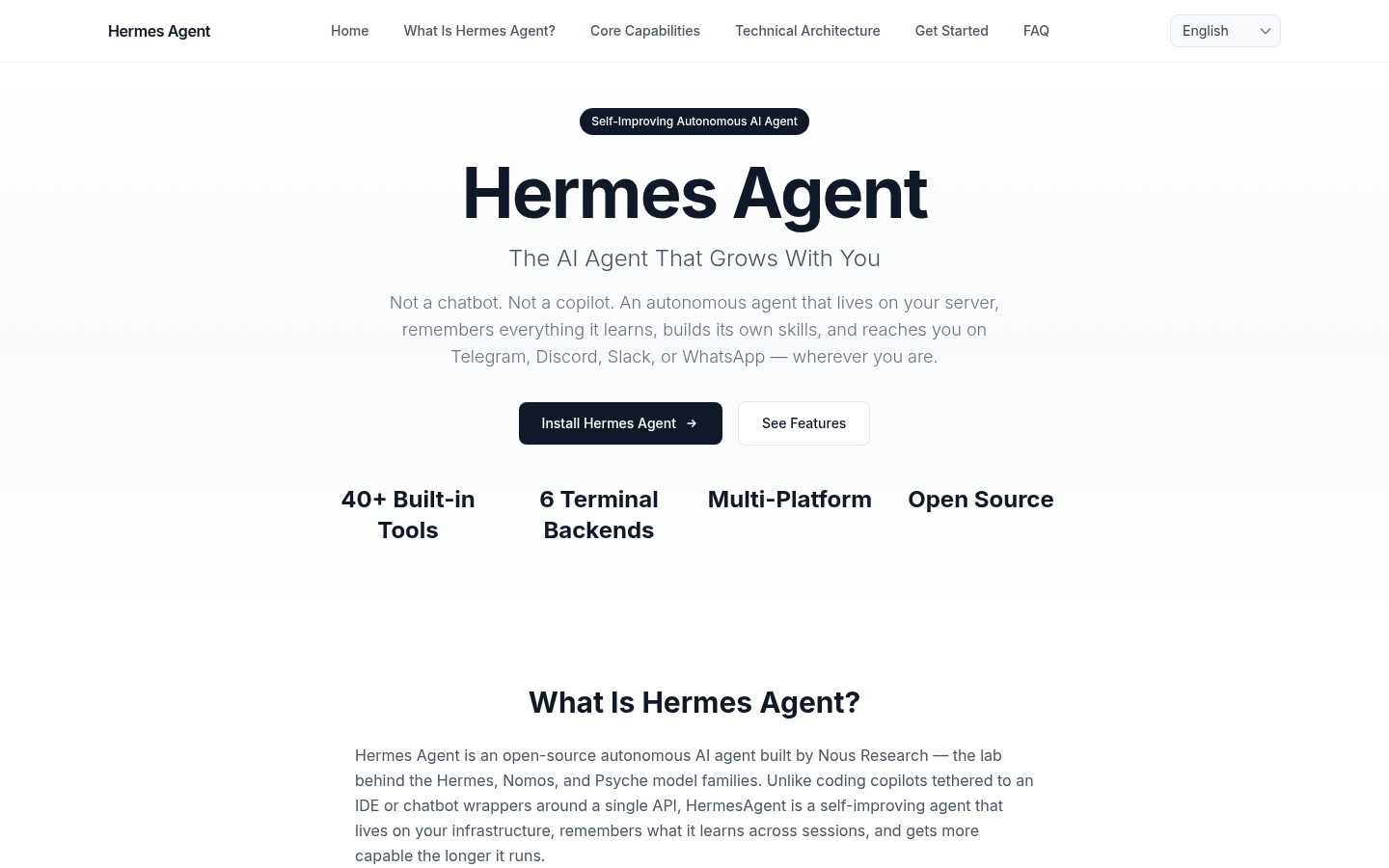
Hermes Agent feels like the AI assistant we've been waiting for - one that actually remembers yesterday's conversation. Created by the innovative team at Nous Research (you might know them from their Hermes and Nomos models), this open-source project breaks the mold of traditional AI tools. Unlike chatbots that reset with each conversation, Hermes builds knowledge over time, becoming more helpful the longer you use it.
Key Features
Never Start From Scratch Again
Imagine an assistant that remembers your projects, preferences, and context across sessions. Hermes uses FTS5 search and LLM summarization to maintain what it calls 'persistent memory' - meaning you'll never have to repeat yourself.
Self-Improving Skills
The magic happens when Hermes starts creating its own skills from experience. Found a better way to organize your files? It'll remember and improve that process automatically. These skills aren't locked away either - share them on agentskills.io or borrow from the community.
Works Where You Do
Whether you're typing commands in Terminal, messaging on Telegram, or collaborating in Slack, Hermes follows along. The unified gateway means you can switch devices without missing a beat.
Packed With Tools (40 and Counting)
From web searches to image generation, text-to-speech to visual processing - all the essentials are built right in. No plugin hunting required.
Automation That Actually Works
The built-in cron scheduler handles everything from daily reports to system monitoring. Set it once and let Hermes handle the rest.
Product Data
- Platforms: Linux, macOS, WSL2
- Install Time: <60 seconds
- Price: Free (open-source)
- Memory: Persistent across sessions
- Built-in Tools: 40+
- Supported Interfaces: CLI, Telegram, Discord, Slack, WhatsApp
- Special Sauce: MCP integration for extended capabilities
Getting Started Guide
- Visit hermesagent.agency (takes about 30 seconds to see why this is different)
- Install for your OS (seriously, it's faster than making coffee)
- Connect to your preferred platform (Telegram users love the chat interface)
- Try basic commands - ask for web searches or file operations first
- Watch as it starts anticipating your needs after just a few interactions