Google's AI Now Designs Interfaces Instantly
Google's AI Breakthrough Creates Interfaces Instantly
Imagine asking your phone "How does photosynthesis work?" and receiving not just paragraphs of text, but an interactive diagram you can manipulate with your fingertips. This is the promise of Google's newly unveiled Generative UI technology.
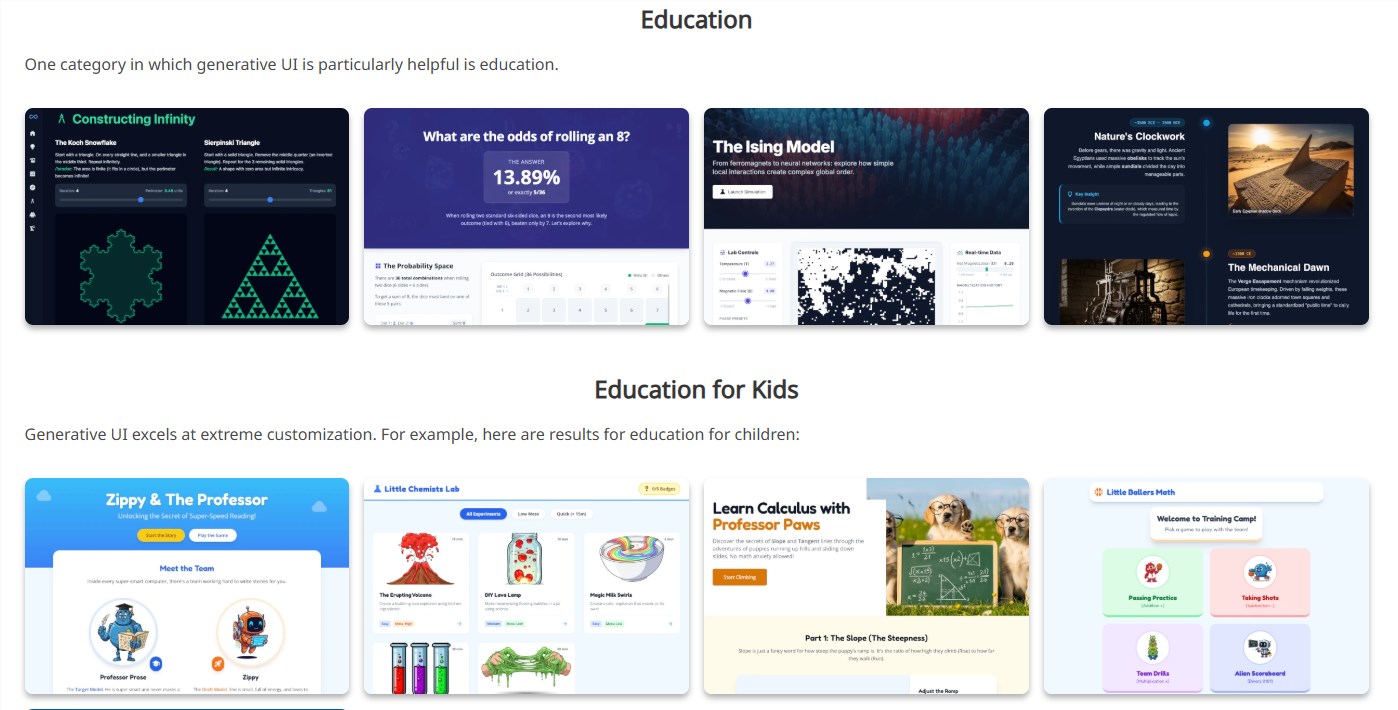
Beyond Text: AI That Designs
Traditional AI assistants communicate through scrolling text - helpful, but limited. Generative UI shatters this constraint by enabling artificial intelligence to design complete visual interfaces spontaneously. When you pose a question about molecular biology or financial concepts, the system doesn't just explain - it builds.
"We're moving from pre-packaged responses to on-demand interface creation," explains Dr. Elena Rodriguez, lead researcher on the project. "The AI assesses what visualization would best convey the answer, then generates it instantly."
How It Works In Practice
The technology currently operates within Google's Gemini app and experimental Search modes. Ask "Show me RNA polymerase function" and watch as the AI constructs:
- A 3D model of the enzyme
- Interactive playback controls
- Labeled animation of DNA transcription
- Supplementary data panels
The Technical Magic Behind Scenes
This capability rests on three pillars:
- Tool Access Framework - Lets the AI call specialized programs for diagram generation, data visualization etc.
- Safety Protocols - Multi-layer verification ensures outputs are accurate and appropriate
- Adaptive Design Sense - Algorithms determine optimal layout based on content complexity
Early tests show particular promise in education settings. Medical students using prototype versions demonstrated 40% better retention compared to textbook studies alone.
What This Means For Tomorrow
The implications ripple far beyond search engines:
- Education: Complex theories become tangible through generated simulations
- Business Analytics: Instant dashboards adapt to evolving questions
- Accessibility: Interfaces auto-adjust for different learning needs
The GitHub repository already shows developers experimenting with customized implementations.
Key Points:
🌟 Dynamic Design - Interfaces materialize based on your specific query
📊 Multi-Sensory Learning - Combines visuals, interaction and explanation seamlessly
🔧 Open Potential - Framework allows endless specialization across fields