

GitHub Copilot CLI Beta: AI Comes to the Terminal
GitHub Copilot CLI Beta Brings AI Assistance to Terminal Environments
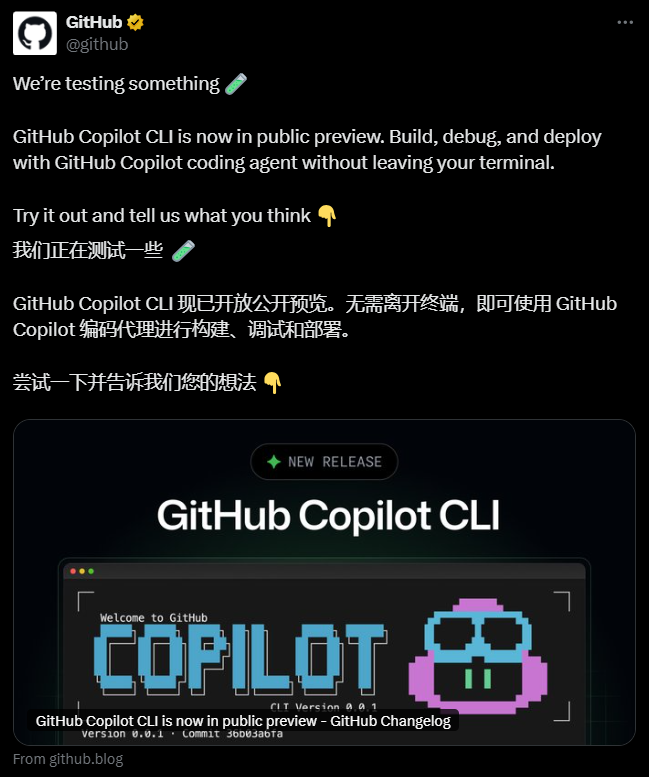
GitHub has expanded its AI programming assistant capabilities beyond code editors with the launch of GitHub Copilot CLI in public beta. This new tool allows developers to utilize AI directly within terminal environments, eliminating the need to switch between interfaces during development workflows.
A Comprehensive Terminal-Based AI Agent
Unlike traditional code completion tools, Copilot CLI functions as a full-fledged AI agent optimized for terminal use. It understands both code context and GitHub's ecosystem while synchronizing with local development workflows. Key capabilities include:
- Exploring new code repositories
- Implementing features based on Issues
- Debugging complex local problems
The tool replaces the older gh-copilot extension, which will be discontinued on October 25th.
Seamless Integration with GitHub Ecosystem
The CLI version maintains deep integration with GitHub's platform:
- Reads/writes code repositories using existing GitHub accounts
- Handles Issues and Pull Requests via natural language commands
- Installs via simple npm command (
npm install -g @github/copilot)
The service is currently available for users with Copilot Pro, Pro+, Business, or Enterprise subscriptions.
Intelligent Task Execution Features
The tool's competitive advantage lies in its ability to:
- Break down complex problems autonomously
- Write and optimize test code iteratively
- Generate Pull Requests ready for review
- Access repository data through GitHub's MCP server infrastructure
- Support custom extensions through MCP features
The system employs a token-based billing model per request for cost transparency.
Installation and Usage Workflow
After installation, developers can:
- Run the
copilotcommand to enter interactive mode - Input natural language prompts (e.g., "Implement user authentication from Issue #123")
- Review AI-generated execution plans before confirmation
- Monitor automated task completion within terminal Early community feedback highlights strong performance in debugging scenarios. Enterprise users should note that enabling the new CLI automatically disables older versions. Free users currently cannot access these features. GitHub encourages beta testers to submit feedback through official channels. Future updates may include additional model options and automation features. as AI continues transforming development tools, the command line interface emerges as a strategic battleground. nKey Points: n Eliminates interface switching during development workflows n Supports multi-step planning for complex tasks n Integrates proprietary tools via MCP extensions n Uses token-based billing per request n* Currently in public beta testing phase