Claude's New Plugins Bridge Excel and PowerPoint Like Never Before
Claude Bridges the Gap Between Spreadsheets and Presentations
Office workers drowning in spreadsheet-to-slide transitions just got a lifeline. Anthropic's new Claude plugin update tackles one of productivity's most frustrating bottlenecks - moving data between Excel and PowerPoint.
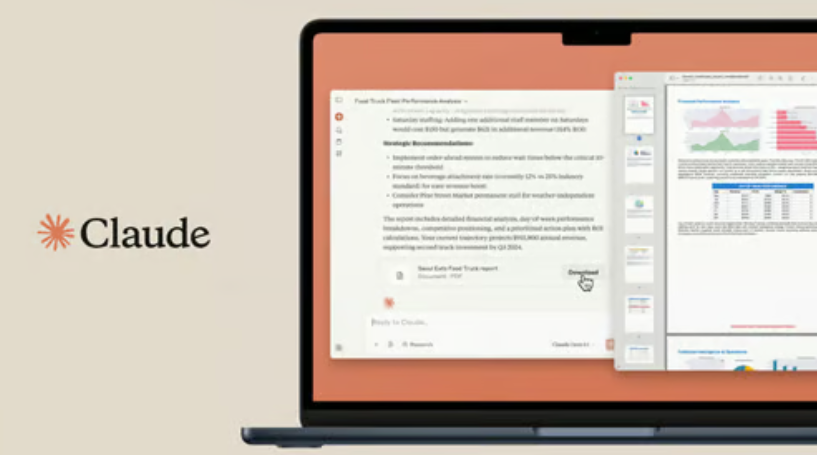
Your AI Assistant Now Remembers Across Apps
The standout feature? Claude finally understands your workflow spans multiple programs. Imagine analyzing quarterly sales in Excel, then watching corresponding charts magically appear in your PowerPoint deck - no copying, pasting, or reformatting required.
Here's how it works:
- Shared Context creates continuity between applications. That financial model you built? Claude remembers your logic when switching to presentation mode
- Background Automation handles cross-program tasks silently. Need competitor comparisons pulled from spreadsheets into slides? Just ask once
"We're eliminating the cognitive tax of constantly reorienting between applications," explains an Anthropic spokesperson. "Claude now maintains your train of thought across platforms."
Create Your Team's Productivity Shortcuts
The update introduces Skills - customizable workflow shortcuts that could revolutionize repetitive tasks:
- Save complex commands like "audit financial formulas" or "clean messy datasets" as one-click solutions
- Choose from Anthropic's starter pack covering common scenarios like PPT competitor analyses
The implications for teams are profound. Marketing departments could create standardized reporting templates, while finance teams might build error-checking workflows anyone can trigger.
Enterprise-Ready With Guardrails
Understanding corporate sensitivities, Anthropic designed these features with security front-of-mind:
- Integration options include Amazon Bedrock and Microsoft Foundry for existing cloud infrastructures
- All data automatically purges from servers within 30 days
- Session histories aren't persistently stored
The catch? Claude still needs manual file openings - it can't autonomously access closed documents. But for professionals juggling multiple reports and presentations daily, these limitations seem minor compared to the time-saving potential.
As AI assistants evolve from chat companions to workflow orchestrators, Claude's latest move suggests our digital helpers might soon eliminate entire categories of office drudgery.
Key Points:
- Cross-program memory maintains context between Excel and PowerPoint
- Reusable Skills turn complex workflows into one-click solutions
- Enterprise security features address corporate compliance concerns
- Current limitation: Only works with manually opened files