AI Excel Assistant 'Shortcut' Outperforms Humans by 10x
AI Excel Assistant 'Shortcut' Revolutionizes Data Processing
A new AI-driven Excel assistant named Shortcut has emerged as a game-changer in data analysis and financial modeling. By harnessing natural language processing (NLP), the tool enables users to execute complex Excel tasks through simple voice or text commands—eliminating the need for formulas or VBA code.
Natural Language Meets Spreadsheet Mastery
Dubbed the "Superhuman Excel Agent," Shortcut interprets instructions like "Calculate total sales" or "Generate monthly trend charts" to perform operations including:
- Automated data calculations
- Advanced formatting
- Pivot table generation
- Dynamic chart creation
In benchmark tests against the Excel World Championship case, Shortcut completed tasks in 10 minutes—ten times faster than human competitors—while maintaining over 80% accuracy. This demonstrates its potential for high-stakes financial analysis and time-sensitive reporting.
Core Features: From Novice to Pro
Key Capabilities:
- Natural Language Interface: Processes commands in English or Chinese
- Smart Data Processing: Handles totals, averages, growth rates automatically
- Visualization Tools: Instantly creates bar/line charts from raw data
- File Compatibility: Works with existing .xlsx files and external data sources
One social media user noted: "It transforms hours of manual work into minutes—like having a financial analyst on demand."*
Financial Modeling Breakthroughs
The tool excels in:
- Cash flow analysis
- Scenario modeling
- Capital budgeting
- Automated report generation
Early adopters report reducing multi-hour accounting tasks to under 15 minutes while maintaining professional-grade output quality.
Current Limitations & Future Potential
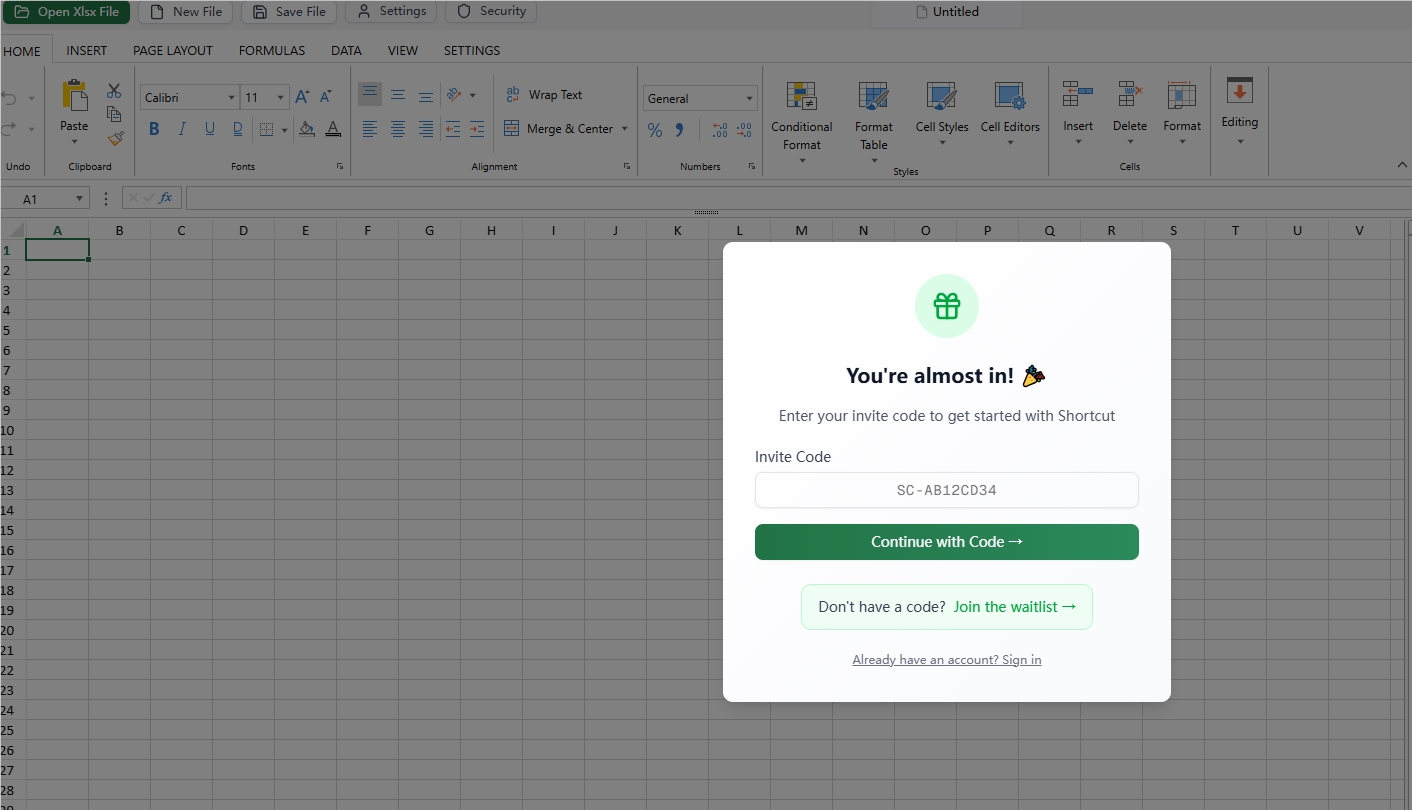
While currently in invite-only beta, testers highlight:
✔ Intuitive Chinese/English support
✔ Rapid response times
❌ Challenges with extremely large datasets
The development team anticipates full public release by Q4 2025, with planned enhancements for enterprise-scale deployments.
Key Points:
- 10x efficiency gain over manual Excel work
- No-code solution lowers skill barriers
- Particularly impactful for:
- Accountants
- SME operators
- Data analysts
- Represents a major shift toward AI-augmented office workflows