Transform Videos into Editable Slides with Video2PPT

Product Introduction

Ever wished you could magically transform that hour-long training video into a concise PowerPoint deck? Meet Video2PPT—the AI-powered tool that does exactly that. Image
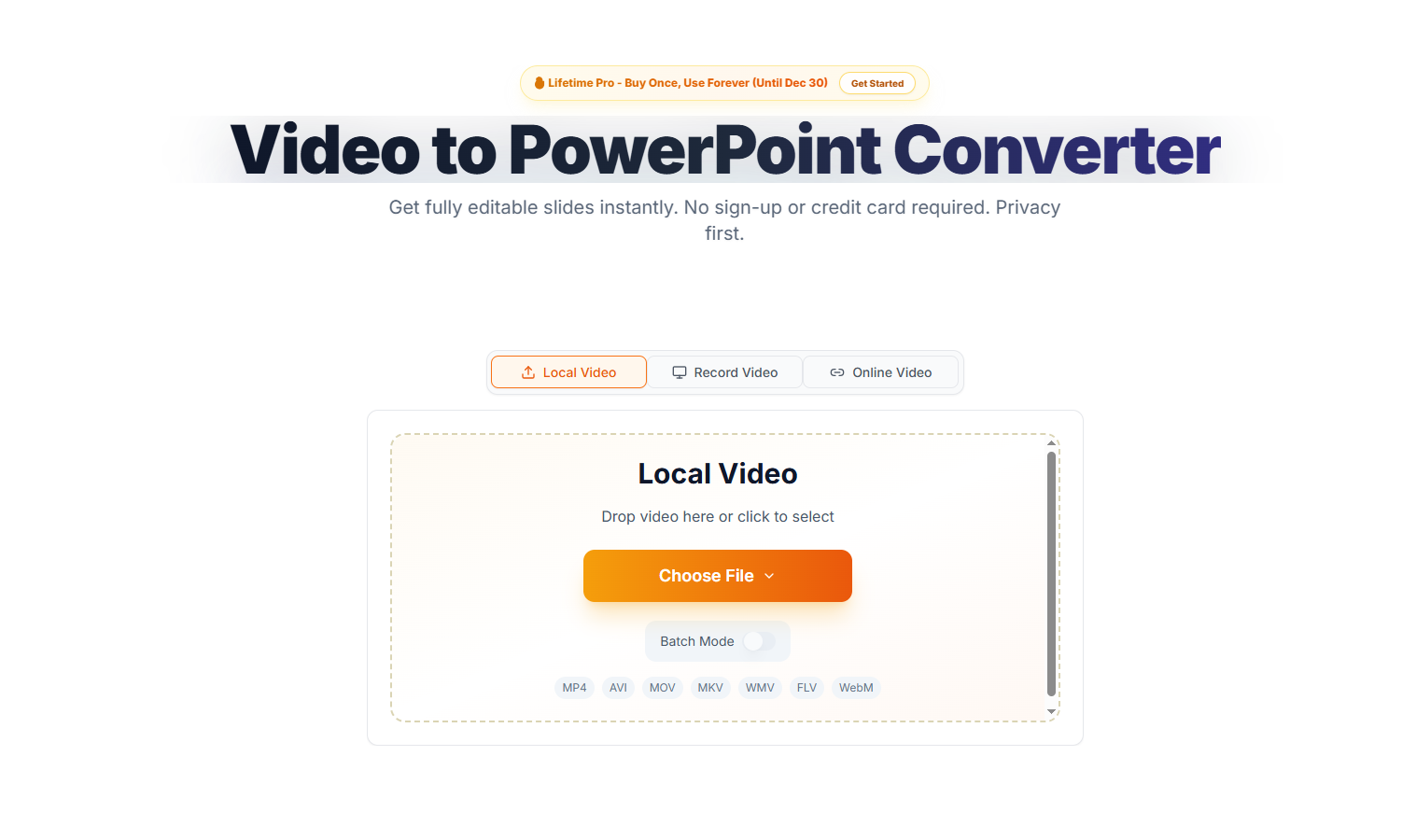
It's like having a personal assistant who watches your videos, identifies all the important slides, and hands you a ready-to-edit presentation. No more frantic pausing and screenshotting during webinars or lectures. Educators, corporate trainers, and content creators are already using it to reclaim 6-8 hours per week (just ask Sarah from TechCorp).

Key Features

AI That Actually Gets It Right The smart extraction doesn't just grab random frames—it analyzes content to identify genuine slides versus regular footage. You get clean transitions between concepts without duplicate or irrelevant slides.

Works Where Your Videos Live Upload directly from your device, paste YouTube/Vimeo links, or even record your screen in real-time during virtual meetings. The tool handles MP4, MOV, AVI—pretty much any format you throw at it.

Privacy You Can Trust Unlike cloud-based alternatives, Video2PPT processes everything locally on your device. Your confidential training materials or proprietary content never touch external servers.

Batch Processing Magic Got a whole library of webinar recordings? Queue them up and let the tool churn through multiple videos while you focus on actual work.

Flexible Output Options Need to share with colleagues who use Google Workspace? Export as Google Slides. Prefer annotated PDFs for student handouts? One click gets it done.

Product Data

  • Supported Input Formats: MP4, MOV, AVI, WMV, MKV
  • Output Formats: PPTX (PowerPoint), Google Slides link, PDF
  • Processing Speed: ~5 minutes per hour of video (varies by hardware)
  • Free Tier: 3 video conversions/month (max 30 mins each)
  • Pro Plan ($9/month): Unlimited conversions + priority processing
  • Enterprise Options: Custom SLAs for large teams

Ready to stop manually screenshotting videos? Give Video2PPT a try—your future self will thank you during the next quarterly report crunch.
Enjoyed this article?

Subscribe to our newsletter for the latest AI news, product reviews, and project recommendations delivered to your inbox weekly.

Weekly digestFree foreverUnsubscribe anytime

Related Articles

Smart Video Summarizer: Turn Long Videos into Quick Insights
Products

Smart Video Summarizer: Turn Long Videos into Quick Insights

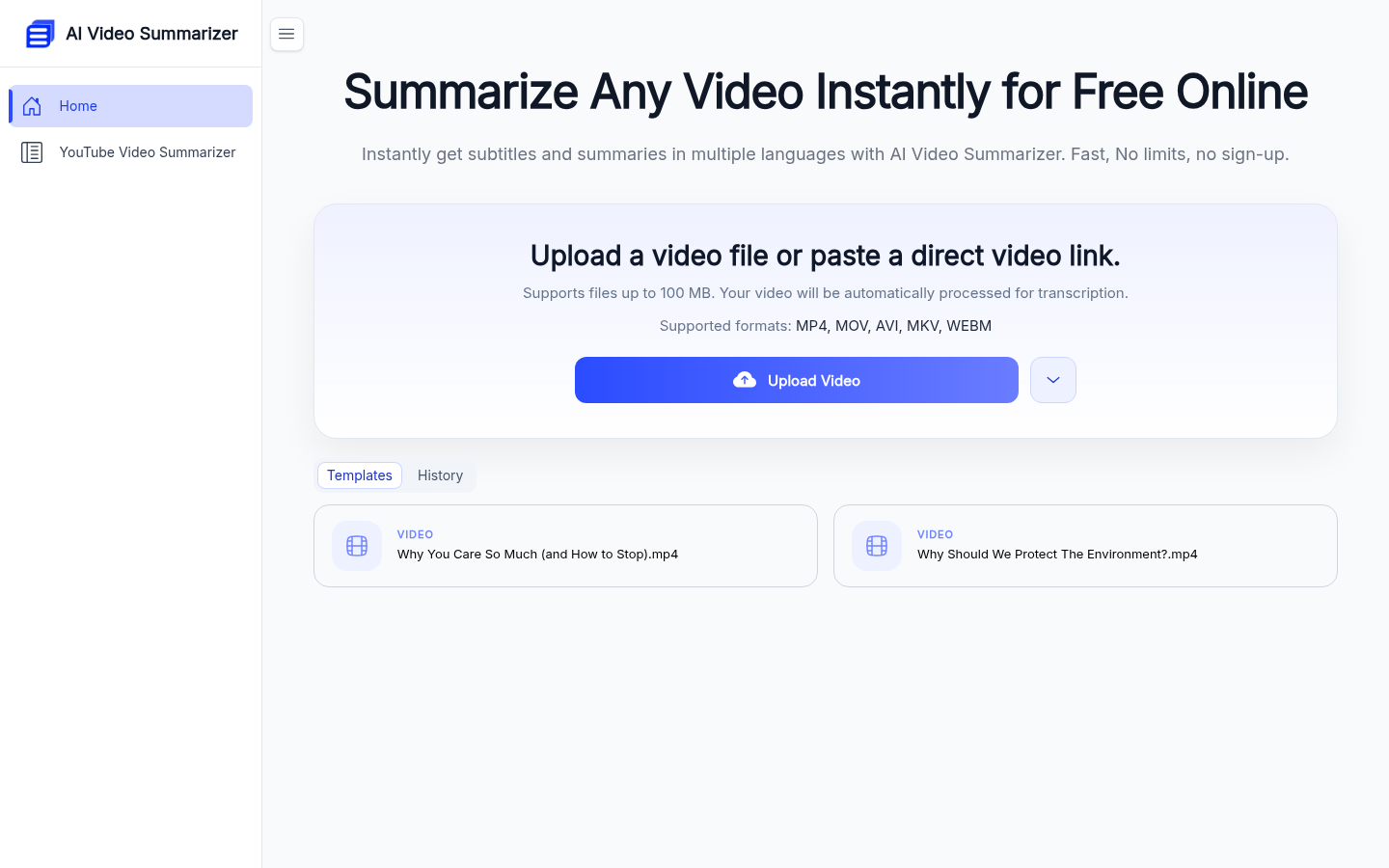
Ever wished you could get the gist of a video without watching the whole thing? AI Video Summarizer does just that - it transforms lengthy videos into concise summaries and even converts them into handy mind maps. Perfect for students drowning in lecture videos, content creators streamlining their courses, or journalists needing quick interview notes. The tool supports 100 languages, handles files up to 1GB, and delivers surprisingly accurate results in seconds. Best part? It's completely free with no usage limits, making video digestion faster than your morning coffee.

April 9, 2026
video toolsproductivity appsAI summarization
VoiceOS: Your AI-Powered Voice Assistant for Smarter Workflows
Products

VoiceOS: Your AI-Powered Voice Assistant for Smarter Workflows

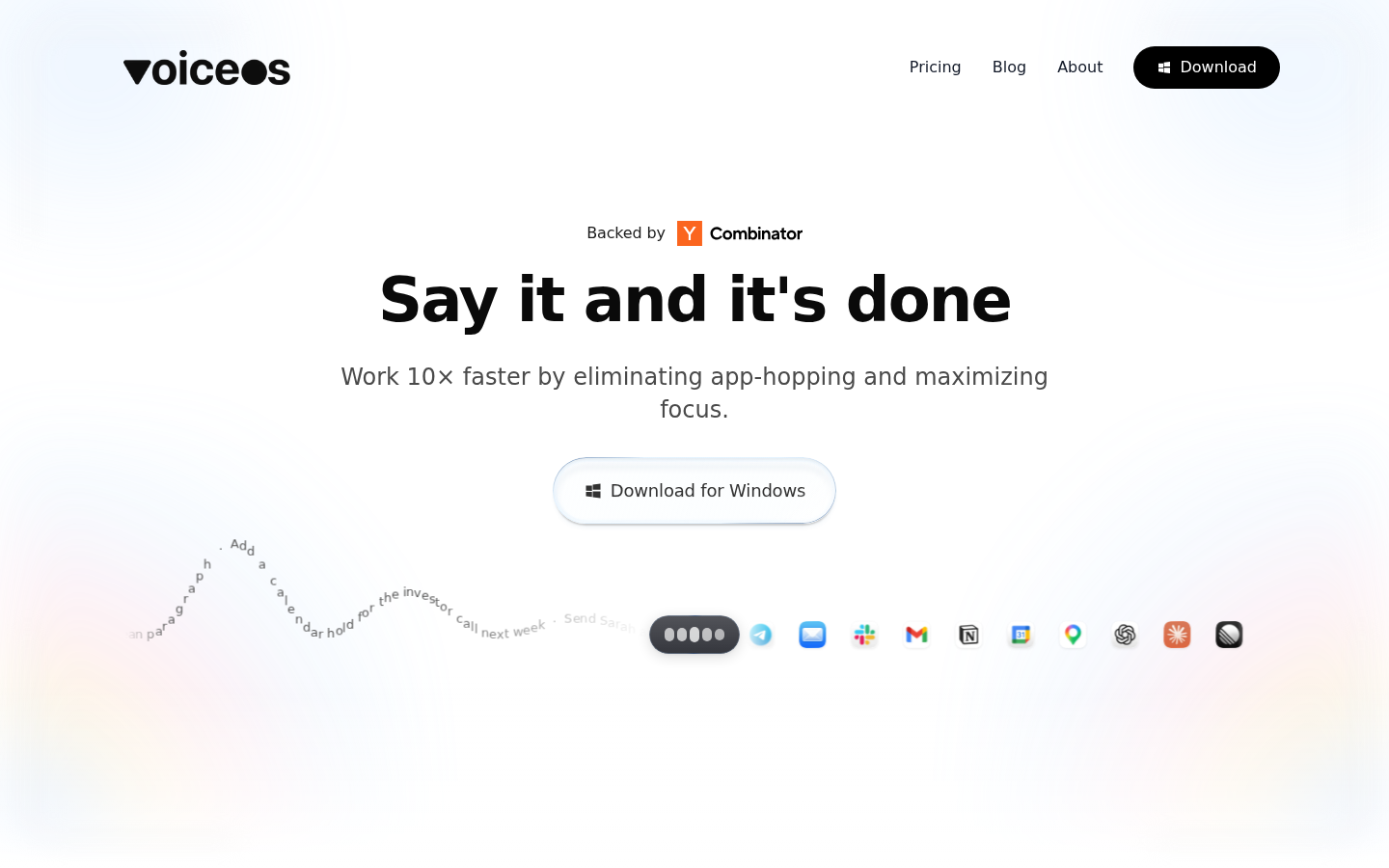
VoiceOS is a game-changing desktop client that lets you control your computer with just your voice. Imagine simply speaking to schedule meetings, send messages, or search for information—all without lifting a finger. Designed for professionals who juggle multiple apps, it eliminates constant tab-switching so you can focus better. Privacy-focused by design, your audio stays private unless you choose to share it. Whether you're drafting emails between calls or managing team tasks on the fly, VoiceOS adapts to your workflow with free and premium options starting at $10/month.

April 9, 2026
voice assistantproductivity toolworkflow automation
PoorClaw: Your Gateway to Hassle-Free AI Chat
Products

PoorClaw: Your Gateway to Hassle-Free AI Chat

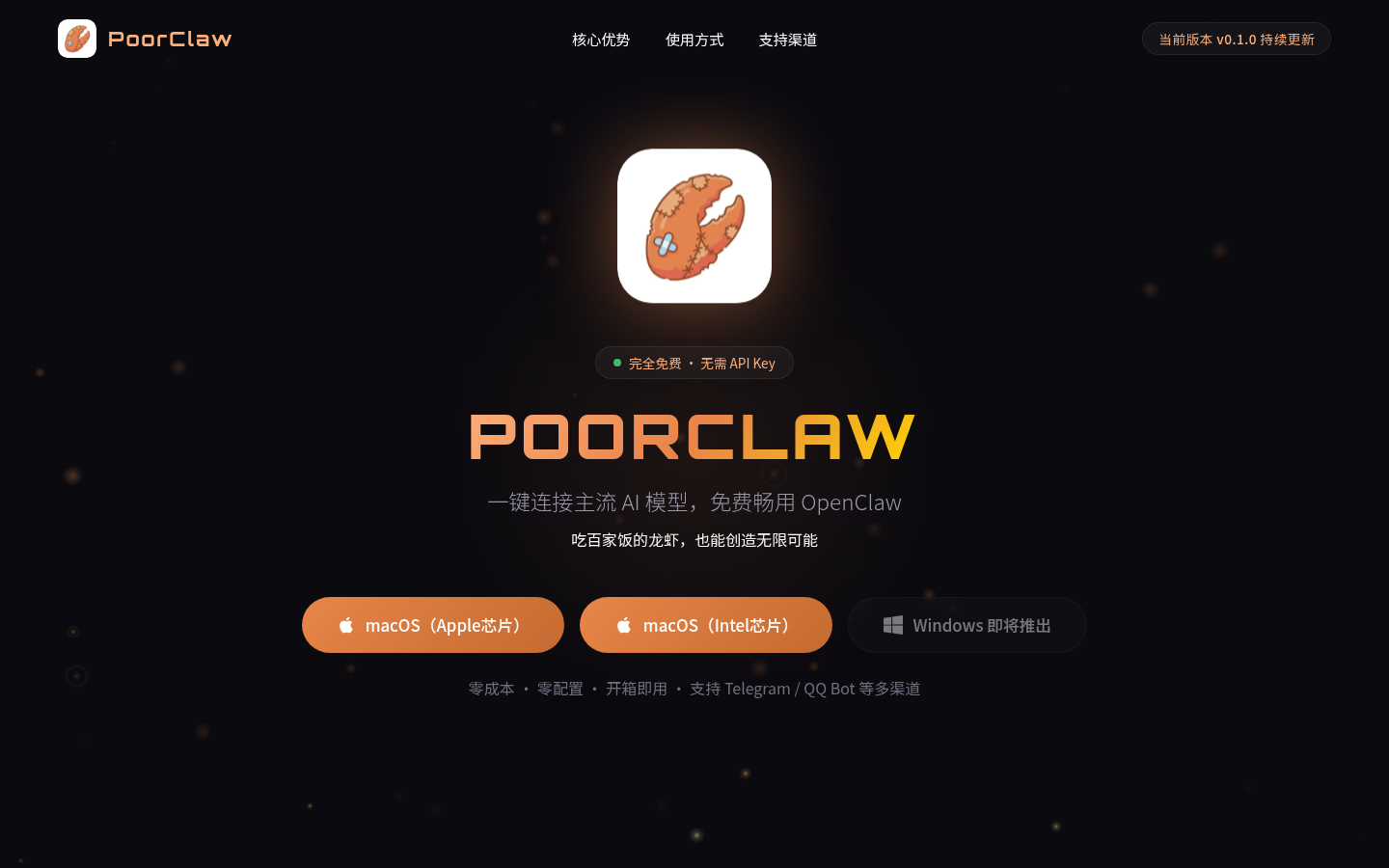
Meet PoorClaw, the desktop buddy that effortlessly connects you with top AI models like ChatGPT and DeepSeek—no API keys required. Perfect for curious beginners and busy developers alike, it's like having a tech-savvy friend who handles all the complicated setup for you. Whether you're chatting for fun, building an app, or tackling homework, PoorClaw makes AI access as easy as clicking 'install'. Plus, it keeps growing smarter with support for multiple platforms and continuous updates.

March 17, 2026
AI assistantchatbotproductivity tool
Qclaw: Your Smart Remote Assistant for Work and Social Media
Products

Qclaw: Your Smart Remote Assistant for Work and Social Media

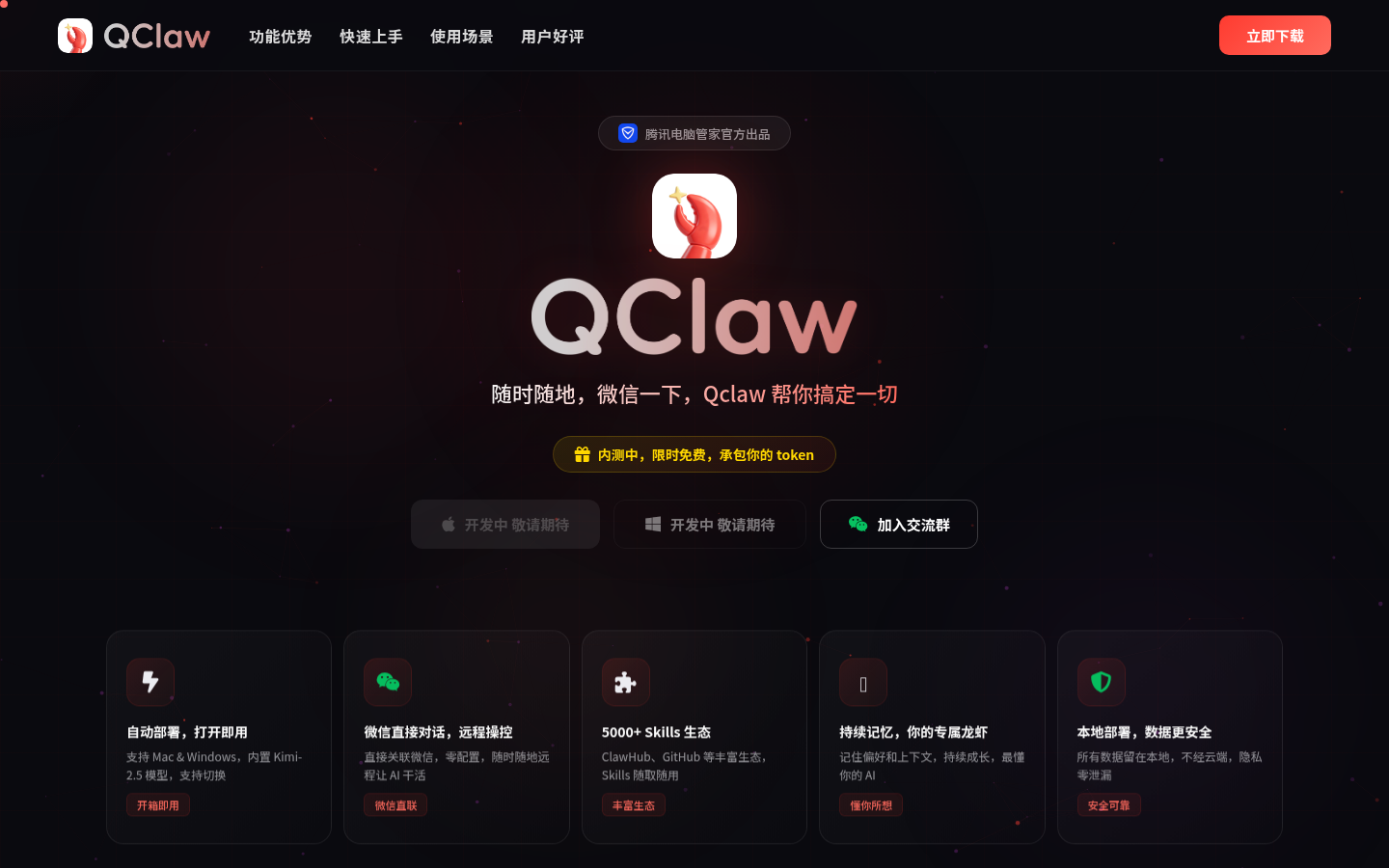
Meet Qclaw, a nifty desktop tool from Tencent that lets you control your computer remotely through simple WeChat commands. Whether you're crunching numbers in spreadsheets, managing social media, or even coding projects, this AI-powered assistant has got your back. It's like having a digital helper that remembers your preferences and works across both Mac and Windows. Currently in beta with free access, Qclaw promises to streamline your workflow with its 5000+ skills ecosystem while keeping your data safe on your local machine.

March 9, 2026
AI assistantproductivity toolremote control
Seedance 2.0: Turn Words Into Stunning Videos With AI Magic
Products

Seedance 2.0: Turn Words Into Stunning Videos With AI Magic

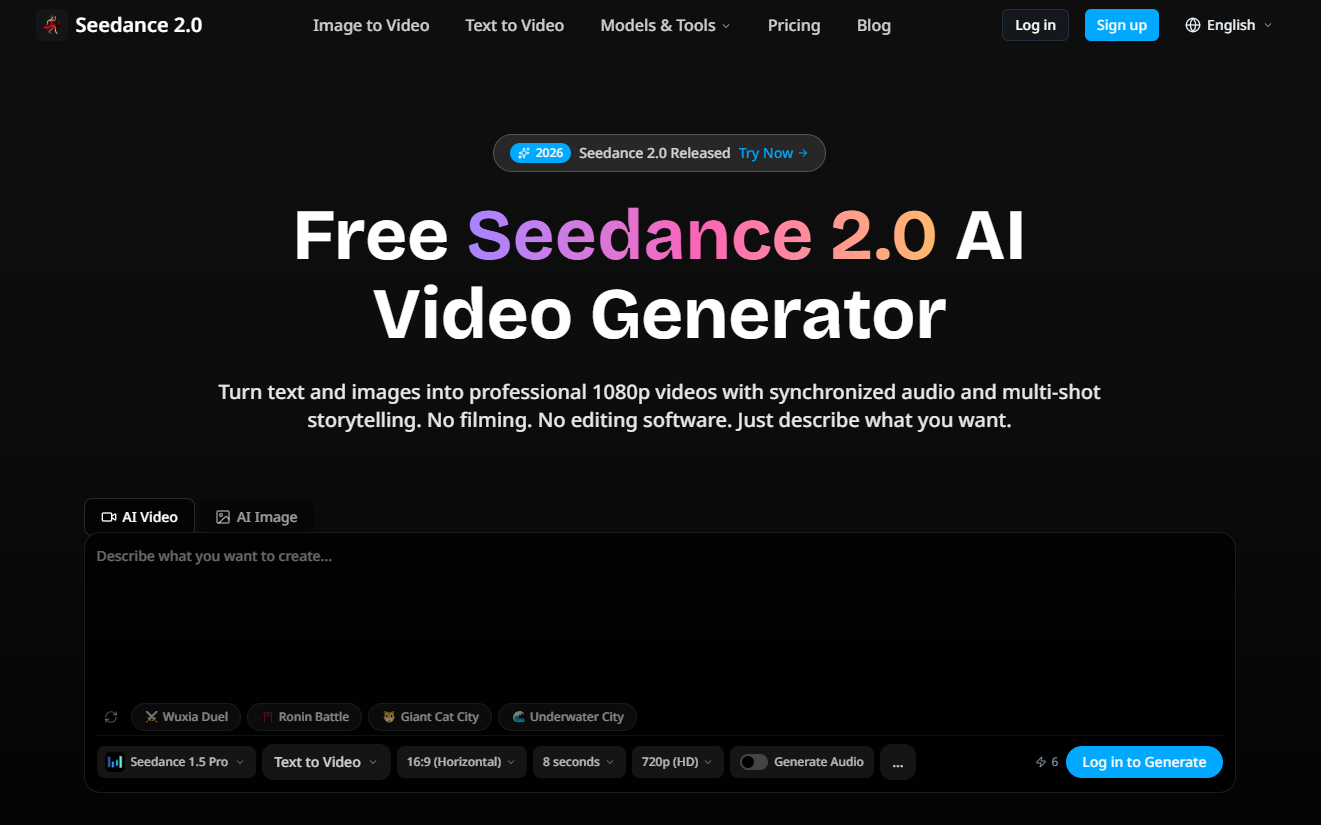
Imagine describing a scene and watching it come to life as a professional video—that's Seedance 2.0 for you. This free AI-powered tool transforms text and images into crisp 1080p videos without requiring any technical skills. Perfect for YouTubers, educators, and marketers alike, it handles everything from animated lessons to product promos with surprising sophistication. What makes it special? Features like beat-synced editing, video extensions that maintain style consistency, and real-time previews that let you tweak creations instantly.

March 9, 2026
AI video generatortext-to-videocontent creation
SureThing: Your 24/7 AI Work Assistant
Products

SureThing: Your 24/7 AI Work Assistant

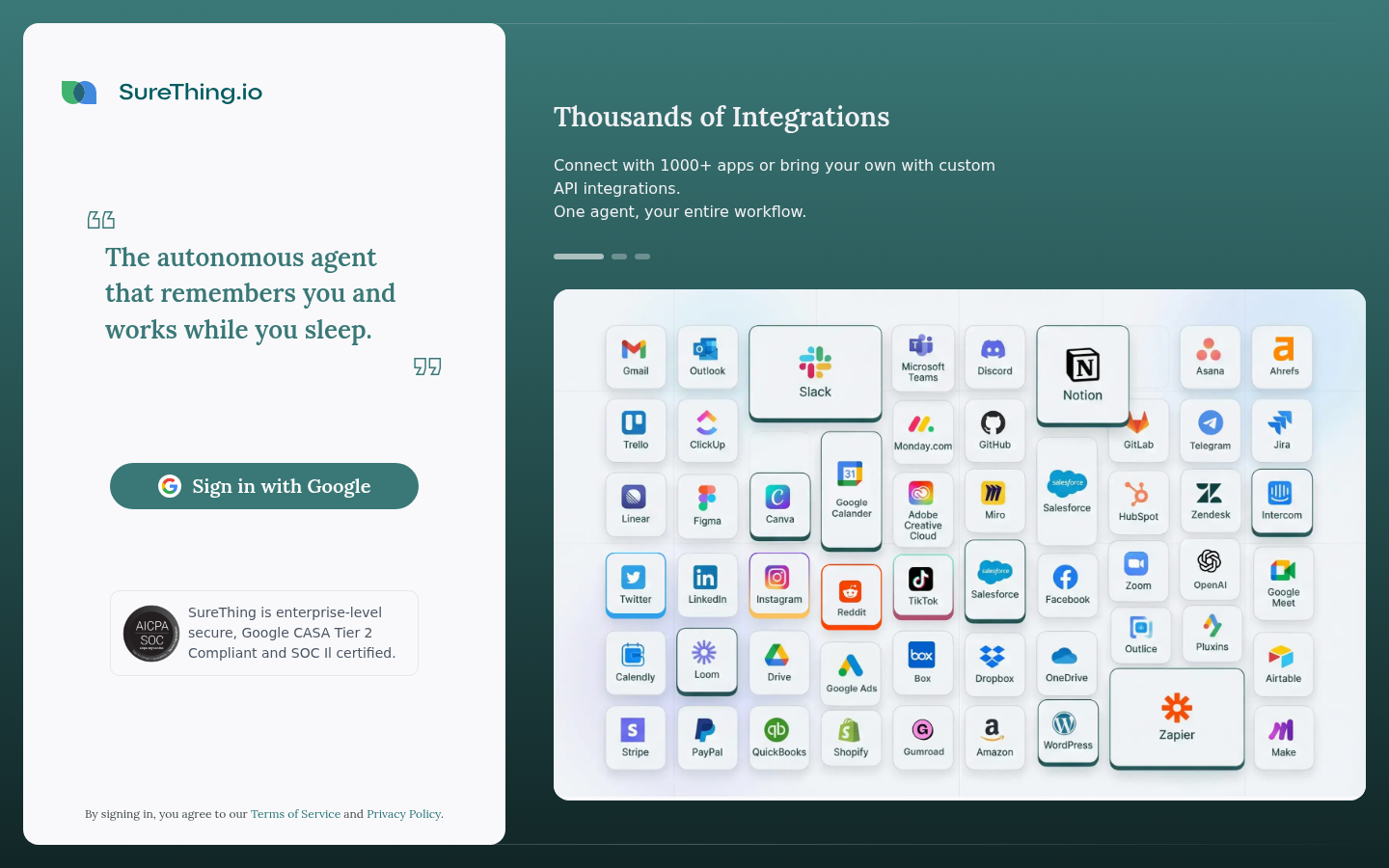
Meet SureThing, the autonomous AI agent that never sleeps. This powerful extension of Selfkey acts as your tireless digital assistant, handling tasks around the clock while you rest. What makes it special? It remembers who you are, integrates with over 1,000 apps, and keeps your data secure with enterprise-grade protection (including Google CASA Tier 2 and SOC II certifications). Whether you're a busy executive drowning in emails, a freelancer juggling multiple projects, or a researcher crunching data, SureThing lightens your load by automating routine work. Imagine waking up to completed tasks - that's the future this AI promises to deliver.

February 28, 2026
AI assistantproductivity toolwork automation