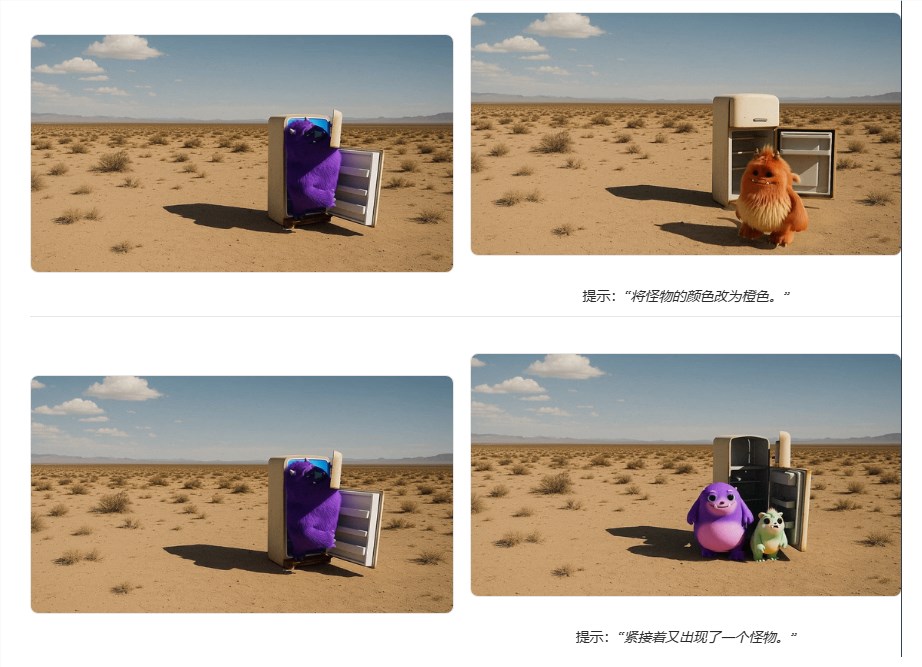
Qwen App's New Video Tool Lets You Remix Clips with Simple Commands
Qwen App Revolutionizes Video Editing with AI-Powered Features
Video creators just got a powerful new ally. On April 3, Qwen App unveiled its Wanxiang 2.7 video generation model, bringing professional-grade editing capabilities to everyone's fingertips - no technical skills required.
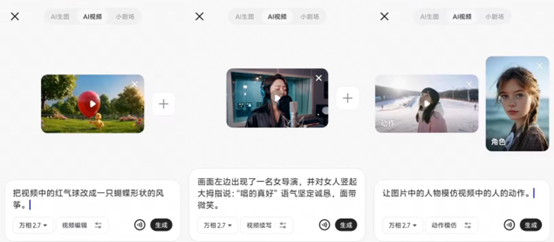
Transform Videos with Simple Commands
The new "video editing" feature works like magic. Want to add someone to your vacation clip? Change outfits in a family video? Or completely alter the background? Just describe what you want in plain language, and the AI handles the complex visual transformations while maintaining natural lighting and details.
"We've essentially removed the learning curve from video production," explains the development team. "Now anyone can achieve effects that previously required expensive software and hours of manual work."
Style transformations are equally impressive. With one click, users can convert live-action footage into various artistic styles - from classic animation to 3D renders or even charming claymation effects.
Beyond Editing: Intelligent Continuation and Action Replication
The innovation doesn't stop at basic edits. Qwen's "video continuation" can intelligently extend a brief 2-second clip up to 15 seconds, generating plausible follow-up content while maintaining visual consistency.
For content creators, the "action imitation" feature might be the real game-changer. Upload a reference video, and your subjects will replicate those movements perfectly - whether it's dance routines, sports maneuvers, or complex multi-person interactions.
Professional Results Made Simple
What sets Wanxiang 2.7 apart is its attention to subtle details:
- Natural lip-syncing when changing dialogue
- Smooth camera movement replication
- Consistent lighting across edited elements
- Seamless transitions between original and generated content
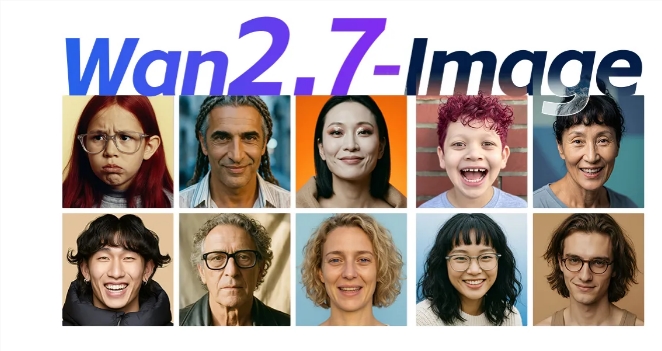
The update also includes the previously released Wan2.7-image model for photo editing, making Qwen App a comprehensive creative suite for both still and moving images.
Key Points:
- Intuitive controls: Edit videos through simple text prompts
- Style flexibility: Switch between animation, 3D, claymation and more instantly
- Content expansion: Extend short clips with AI-generated sequences
- Movement transfer: Replicate actions from reference videos accurately
- Free access: All features available to users at no cost