

OpenAI's Codex Now Powers JetBrains IDEs - A Game Changer for Developers
OpenAI's Codex Comes to JetBrains: What Developers Need to Know
For programmers who swear by JetBrains' powerful IDEs, today brings exciting news. OpenAI's Codex - the AI behind GitHub Copilot - has officially arrived across the entire JetBrains product line. This integration promises to reshape how developers work in IntelliJ IDEA, PyCharm, WebStorm and other JetBrains tools.
Seamless AI Assistance Where You Need It
The standout feature? Codex operates in what developers are calling "dual-mode" - effortlessly toggling between cloud-based smarts and your local coding environment. Imagine brainstorming architecture in the cloud, then seamlessly implementing it locally without missing a beat.
Powered by Next-Gen AI
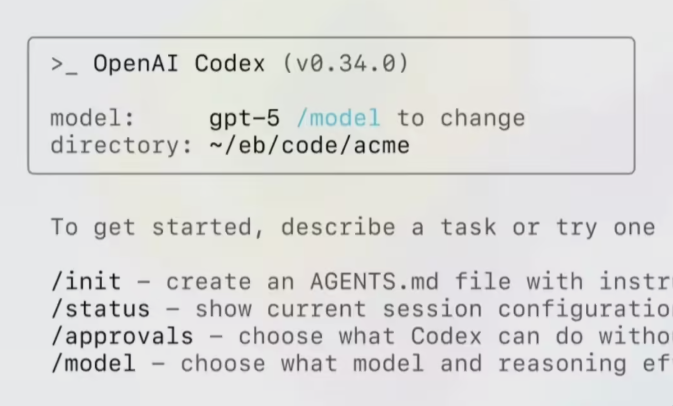
What's really turning heads is that this integration runs on GPT-5.2Codex, OpenAI's latest iteration that reportedly delivers significantly improved code accuracy and logical understanding. Early testers describe it as "having a senior developer looking over your shoulder" - but one who never needs coffee breaks.
Getting Started Is Surprisingly Simple
OpenAI offers multiple entry points:
- Sign in with your existing ChatGPT account
- Use an OpenAI API Key
- Access through JetBrains' own AI subscription The best part? It's currently free during this limited-time rollout period.
One Important Catch
Don't expect Codex to magically appear in your IDE overnight. Developers need to manually install the "AI Assistant" plugin from JetBrains' marketplace. Think of it as unlocking a superpower hidden within tools you already know and love.
This isn't just another plugin update - it represents a fundamental shift in how developers interact with their tools. As one beta tester put it: "It feels less like using an IDE and more like collaborating with one."
Key Points:
- Codex now available across JetBrains product line (IntelliJ IDEA, PyCharm, WebStorm etc.)
- Runs on upgraded GPT-5.2Codex engine for better accuracy
- Offers flexible authentication options including ChatGPT login
- Currently in limited-time free access period
- Requires manual plugin installation from JetBrains marketplace