Design In The Browser: AI-Powered Visual Coding Made Easy
Product Introduction
Ever wished you could just point at webpage elements and magically get working code? Design In The Browser turns that fantasy into reality. 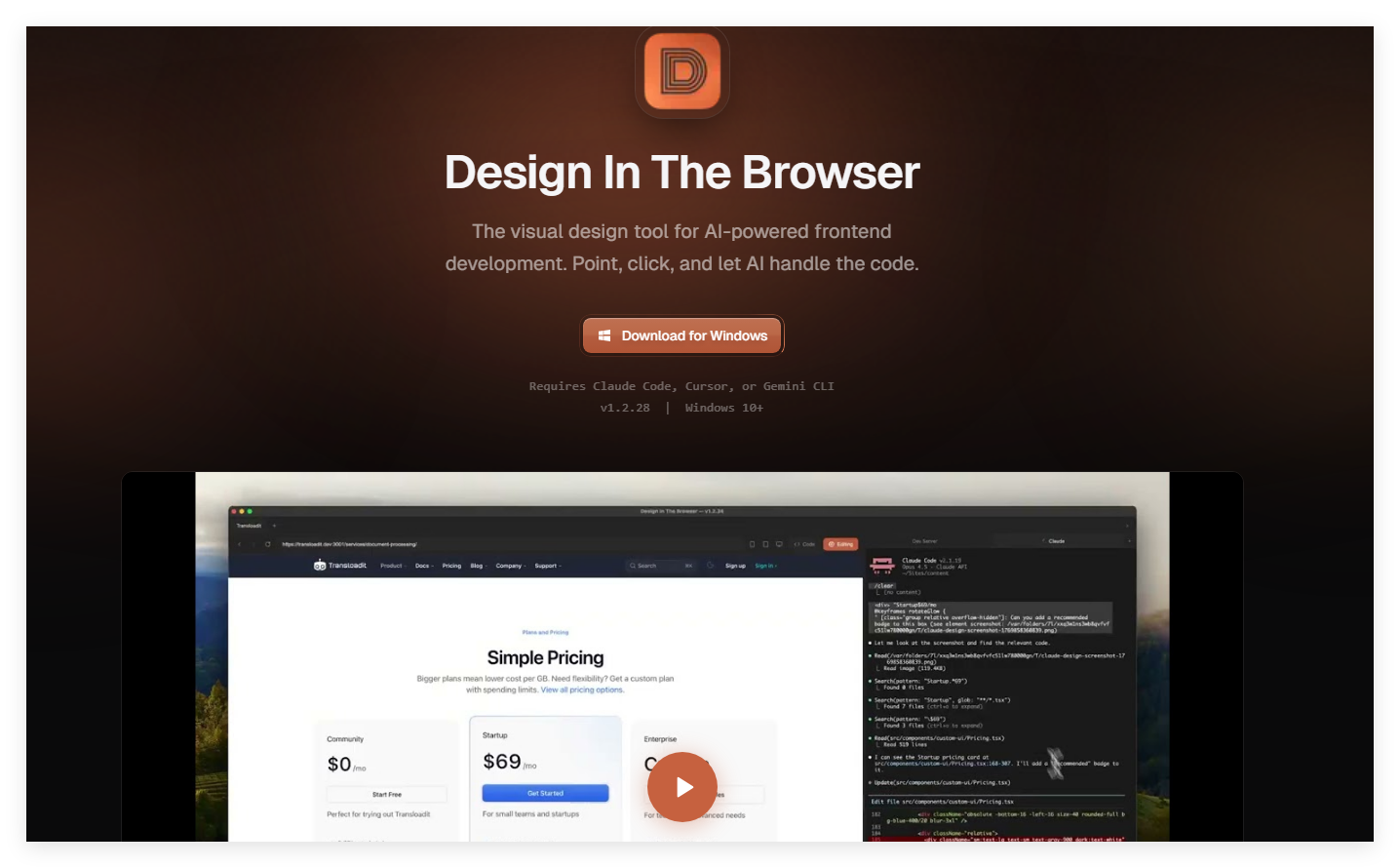 This innovative tool combines visual editing with AI-powered coding assistants to create shockingly fast front-end development workflows.
What makes it special? Instead of constantly switching between design tools and code editors, everything happens right where your website lives—in the browser. Whether you're polishing responsive layouts or debugging tricky CSS, the tool keeps your focus exactly where it belongs.
Key Features
Click-to-Code Magic
The core magic happens when you click any webpage element—the tool instantly analyzes it and generates clean code through your choice of AI (Claude, Cursor or Gemini CLI). No more guessing hex colors or measuring padding pixels.
Developer Superpowers
- Code Editor Integration: Jump straight from browser elements to their corresponding code locations
- Multi-Element Editing: Select several components at once for batch modifications
- Live Terminal: Run commands without leaving your workflow with the built-in terminal
- Pixel-Perfect References: Upload design images for precise implementation guidance
Responsive Testing Made Simple
The built-in viewport switcher lets you test designs across device sizes instantly. Set custom breakpoints and watch your layouts adapt in real-time—no more frantic device emulator switching.
Product Data
| Specification | Details |
|---|
Product Link
Ready to transform how you build websites? Get started with Design In The Browser