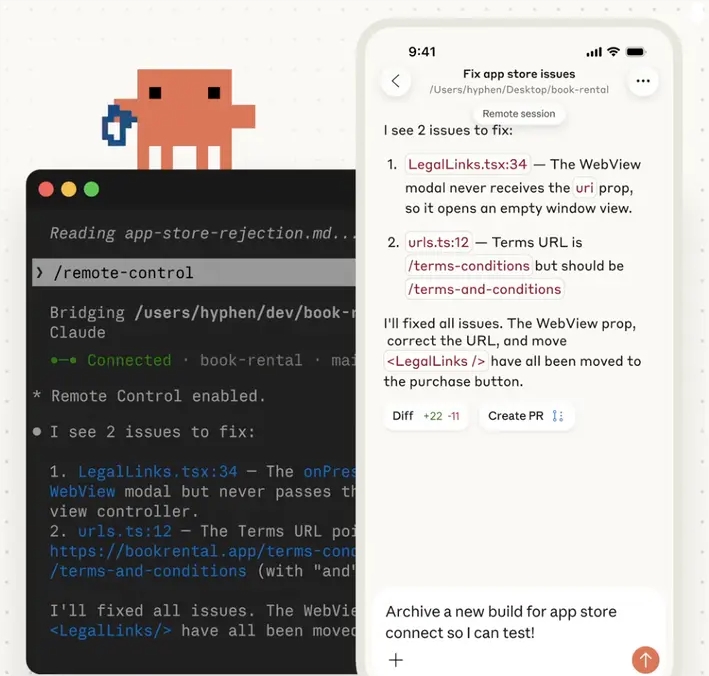
Claude Code's Visual Editor Makes AI Automation Drag-and-Drop Simple
Claude Code Goes Visual: Drag-and-Drop Your Way to AI Automation
The tech world is buzzing about Claude Code's latest breakthrough - turning complex AI workflows into simple visual diagrams anyone can build. Gone are the days of wrestling with terminal commands; now you can create powerful automations as easily as arranging puzzle pieces.
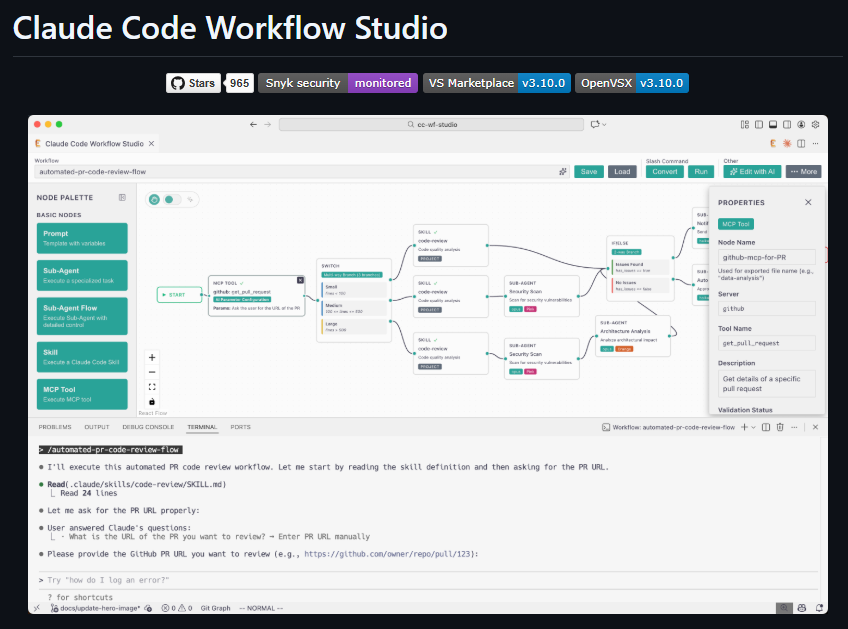
How It Works: Simplicity Meets Power
The Workflow Studio extension transforms VSCode into an intuitive playground where:
- Color-coded nodes represent different functions (blue for prompts, green for agents)
- Connection lines show how information flows between steps
- Right-click menus offer smart suggestions based on your goals
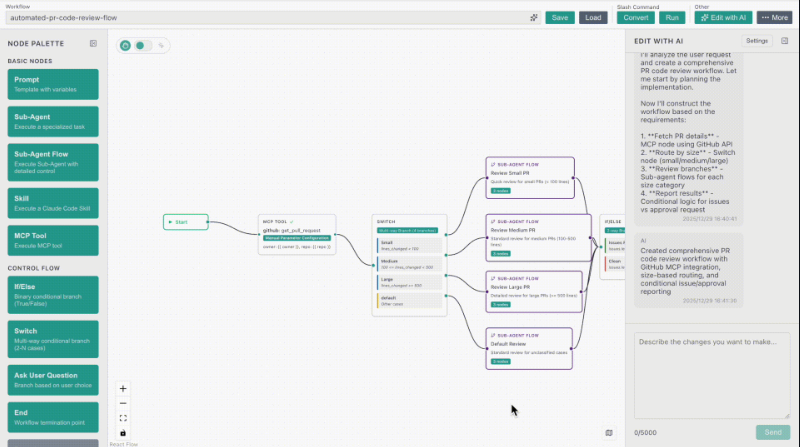
The system even understands natural language requests - tell it "make this faster" or "add error checking" and watch improvements appear automatically.
 ## Who Benefits Most?
Three groups are particularly excited:
## Who Benefits Most?
Three groups are particularly excited:
- Business teams automating reports and data processing
- Educators creating interactive learning assistants
- Developers prototyping complex systems visually before coding One UX designer shared: "I built a content moderation tool in minutes that would've taken days to code." ## Under the Hood: Why This Matters The innovation represents more than just convenience - it fundamentally changes who can harness advanced AI: | Before | After | |--------|-------| | Required coding skills | Point-and-click interface | | Hidden logic flows | Visible workflow diagrams | | Trial-and-error debugging | Instant visual feedback | As Claude Code expands its ecosystem with tools like Claudia UI, one thing becomes clear: The future of AI development looks increasingly visual.