

Knooth: Your All-in-One Screen Recording and Video Editing Tool for macOS
Product Introduction
Ever wished you could record your screen and edit videos without juggling multiple apps? Meet Knooth - the Swiss Army knife of screen recording for macOS users. This clever tool wraps everything from capture to final export into one seamless package, saving you time and frustration.
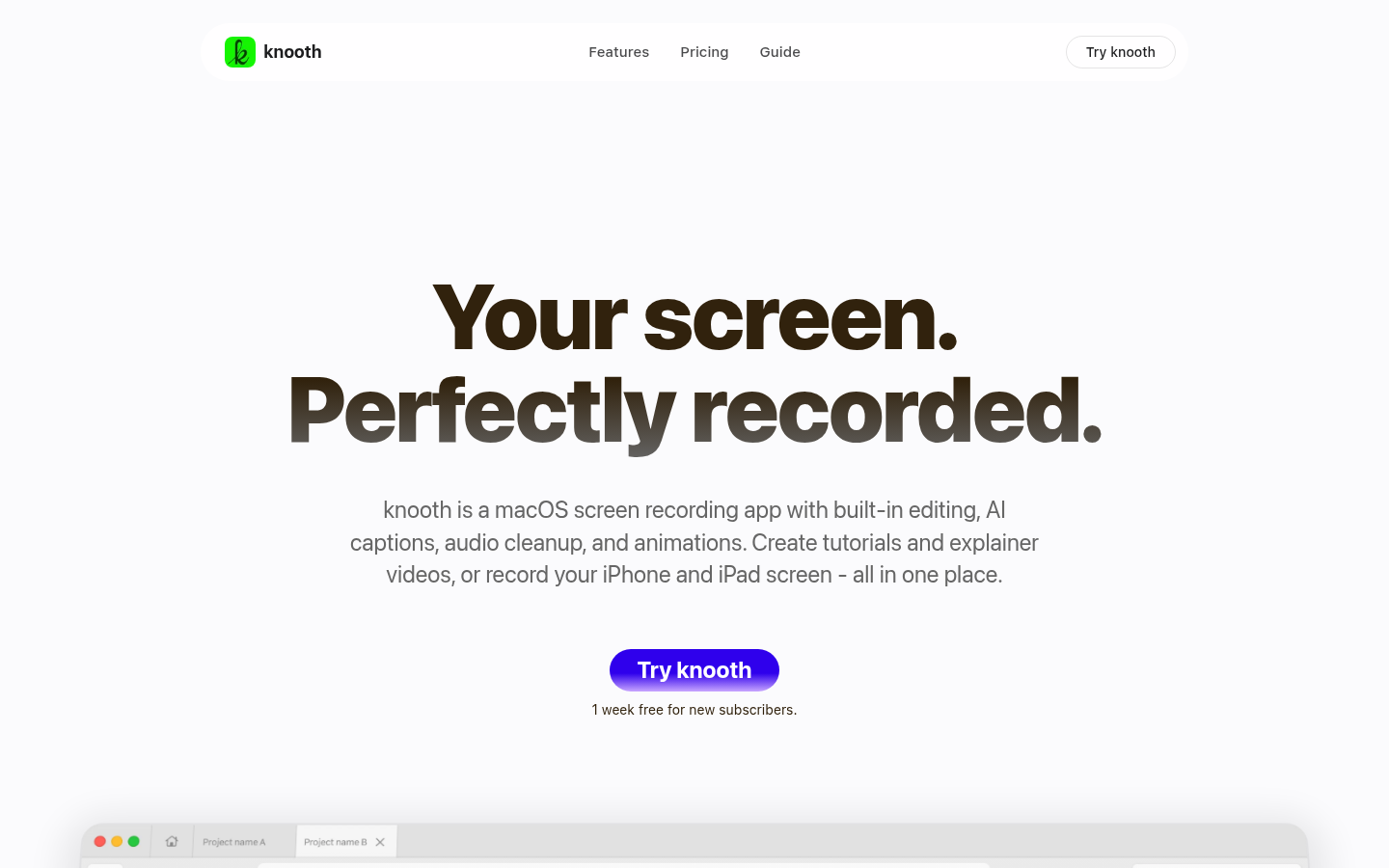
Perfect for students, educators, content creators, and professionals alike, Knooth understands that great videos need more than just recording. That's why it packs AI smarts right into your editing workflow - think automatic subtitles that actually get it right and audio cleanup that silences those embarrassing stomach growls during important recordings.
Key Features
Multi-device recording magic Record not just your Mac screen but also iPhone and iPad displays - perfect for app developers or anyone creating mobile tutorials.
Edit like a pro (even if you're not) The intuitive timeline editor lets you layer media like a sandwich artist stacks ingredients. Add text callouts, images, even vector shapes to highlight important moments.
AI that actually helps
- Auto-generate subtitles in 25 languages (no internet required)
- Smart audio cleanup removes filler words and background noise
- Background blur/removal keeps focus where it belongs
Precision controls Adjust every detail from color grading to audio EQ in one focused panel - no hunting through endless menus.
Product Data
- Platform: macOS only (optimized for Apple Silicon)
- Pricing:
- Free 1-week trial
- $9.99/month or $59.99/year (50% savings)
- Supported Languages: 25 for subtitle generation
- Recording Sources: Mac screen, iPhone screen (via wired connection), iPad screen
- Export Options: Multiple formats and resolutions available
Product Link
Ready to try? Visit knooth's official website to start your free trial today.