

Grok Build's New Update Makes Terminal Coding Smarter
Grok Build 0.2.7: Smarter Terminal Coding Just Dropped
xAI's terminal coding assistant just got a major facelift with the release of Grok Build 0.2.7. This update focuses on streamlining how developers work, whether they're managing multiple projects or handling image-based coding tasks.
What's New in Your Terminal
Gone are the days of fumbling with account management. The new /usage command gives you instant insight into your quotas and usage patterns. Need to switch accounts? The optimized /login process makes authentication nearly effortless.
But the real showstopper is the shared terminal feature. Imagine running several coding sessions simultaneously while they intelligently share backend resources. This means no more wasted processing power when tackling parallel projects.
Seeing is Coding
The update brings significant improvements to image handling:
- Fixed those frustrating truncation and minimum pixel issues
- Windows users can now drag-and-drop screenshots directly
- Ctrl/Alt+V image pasting works seamlessly
- Images process as visual tokens for better AI understanding
These enhancements make Grok Build particularly useful for developers working on visual programming or documentation projects.
Under-the-Hood Improvements
Beyond the flashy new features, Grok Build 0.2.7 includes several thoughtful refinements:
- Navigate slash menus and history with simple arrow keys
- Cleaner UI when recovering interrupted sessions
- Windows-specific fixes for common shortcut issues
- More stable image processing with less redundant data
Why This Matters
As Grok Build evolves, it's becoming clear that xAI is serious about creating a truly useful local coding companion. From seamless terminal integration to better visual understanding, each update brings developers closer to a frictionless AI-assisted workflow.
Key Points:
- New
/usageand/logincommands simplify account management - Shared terminal resources boost efficiency for parallel projects
- Image processing gets major upgrades for visual coding tasks
- Cross-platform support continues to improve
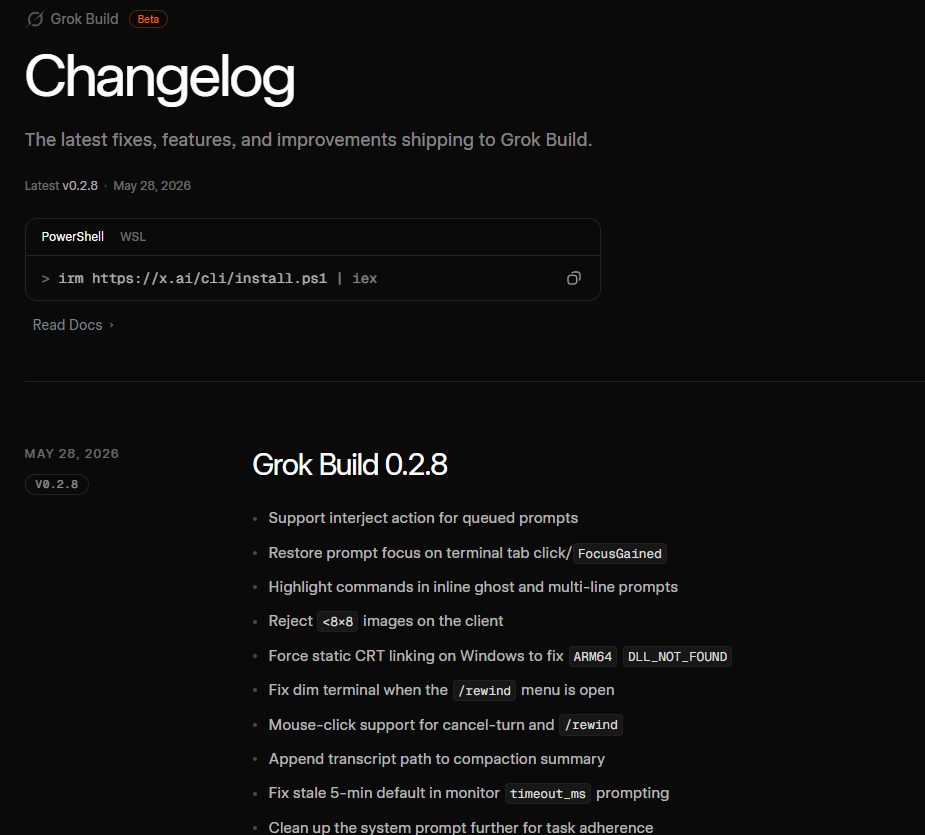
For the complete technical rundown, visit the official changelog.