

Grok Build 0.2.7 Launches with Smarter Image Handling and Team Features
Grok Build Levels Up with Version 0.2.7
xAI's popular coding assistant Grok Build has rolled out its latest update, packing practical improvements that developers have been requesting. Version 0.2.7 focuses on three key areas: simplifying account management, enhancing team collaboration, and significantly upgrading image processing capabilities.
What's New Under the Hood
Simpler Account Management:
- Quickly check your usage stats right in the terminal with the new
/usagecommand - The streamlined
/loginprocess makes switching between accounts a breeze
Teamwork Made Easier: The update introduces shared terminal resources - meaning multiple team members can now collaborate more efficiently. This shared backend allows for better parallel task handling and smoother coordination between team members working on related projects.
Image Handling Gets Smarter:
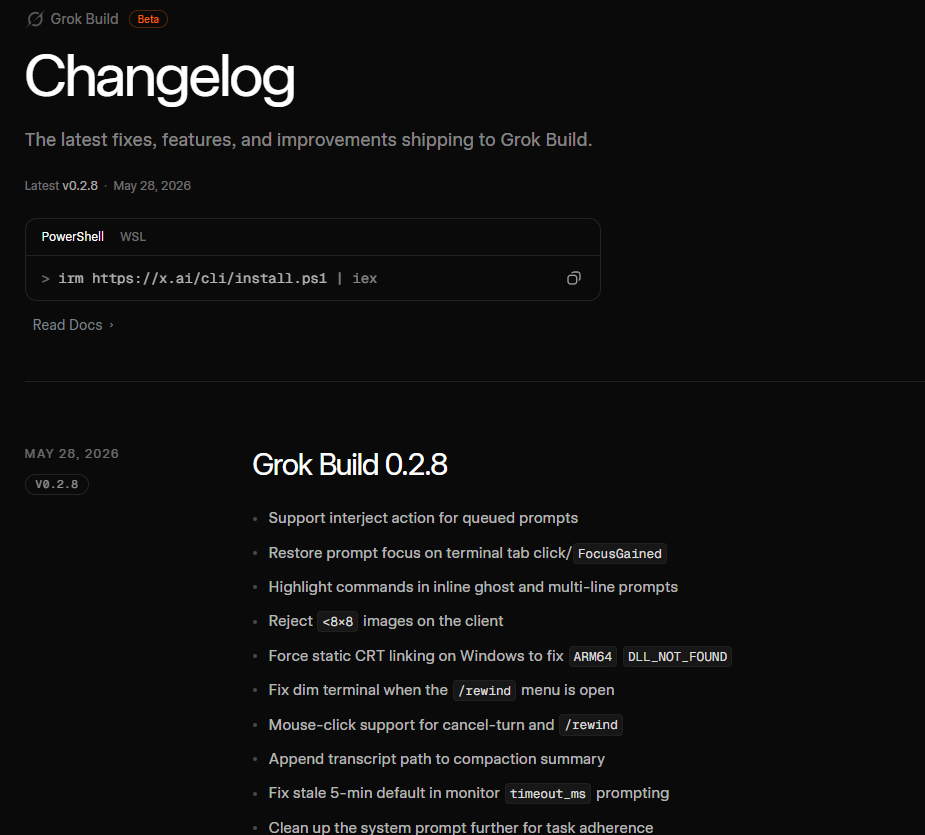
Grok Build's image processing pipeline received substantial upgrades addressing common pain points:
- Fixed frustrating issues like image truncation and minimum pixel requirements
- Added convenient new input methods including Windows drag-and-drop screenshots
- Ctrl/Alt+V shortcuts now work for pasting images directly
- Improved visual token processing enhances how the tool understands images
Quality-of-Life Improvements
The update also includes numerous smaller refinements that add up to a noticeably smoother experience:
- More intuitive navigation with up/down keys in slash menus and history search
- Cleaner UI displays when recovering previous sessions
- Windows users will appreciate fixes for Ctrl+Delete and other platform-specific quirks
- The image pipeline now runs more reliably with fewer redundant data strings
Why It Matters: These changes make Grok Build more responsive and stable, particularly for complex projects requiring collaboration or visual components. The improvements to cross-platform compatibility mean fewer headaches when working across different operating systems.
The Bigger Picture
With this release, Grok Build continues its rapid evolution from basic terminal tool to sophisticated coding assistant. The focus on practical, workflow-enhancing features rather than flashy gimmicks shows xAI's commitment to serving developers' real-world needs.
"What stands out in this update is how it addresses actual pain points," says one early tester. "The image fixes alone save me hours each week on visual-heavy projects."
For developers curious about all the technical details, the complete changelog is available at x.ai/build/changelog.
Key Points
- New terminal commands simplify account management
- Shared resources enable better team collaboration
- Major image processing upgrades fix common frustrations
- Windows-specific fixes improve cross-platform experience
- Numerous small refinements create noticeably smoother workflow