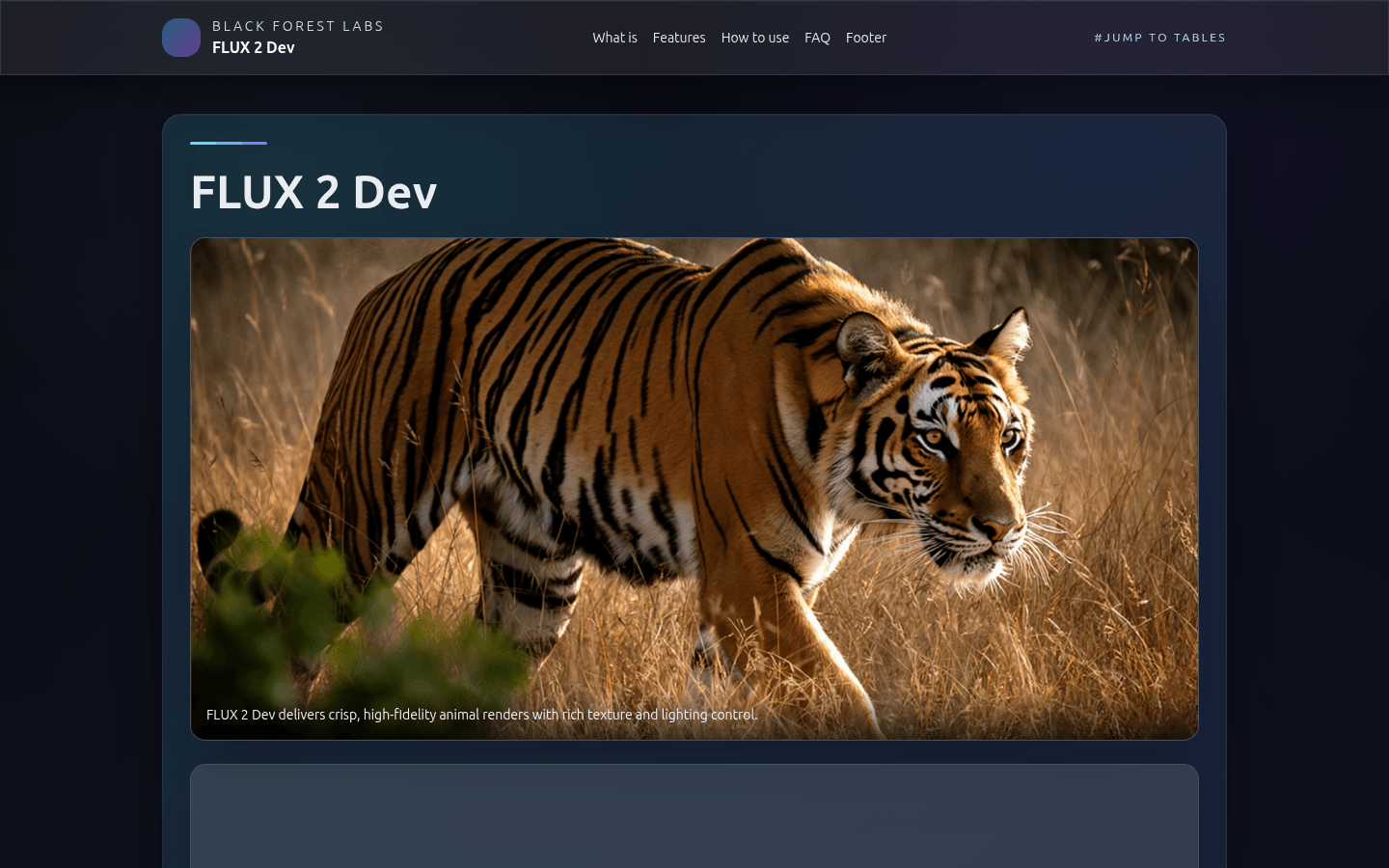
Flux 2: A Powerful Open-Source Model for Image Generation and Editing
Flux 2: Transforming Image Creation
Why Flux 2 Stands Out
Imagine having an artistic assistant that remembers every detail of your brand guidelines while generating stunning visuals at lightning speed. That's Flux 2 in action—a powerhouse combining:
- Rectified Flow Transformer architecture for smoother image generation
- High-resolution VAE producing crisp, detailed images
- 32K token visual language model that actually understands your lengthy creative briefs
The magic happens through adaptive scheduling that smartly adjusts steps based on complexity—fewer steps for rough drafts, more refinement where needed.
Features That Make Creatives Smile
Multi-Reference Editing (Your Style Guardian)
Ever struggled to maintain character consistency across different scenes? Flux lets you mix up to ten reference images—keeping hairstyles, outfits, and facial features perfectly aligned even when changing backgrounds or poses.
Resolution That Wows
The difference between good and great often lies in the details. With native support for ultra-HD outputs:
- Crystal-clear text rendering perfect for advertisements
- Natural-looking hands (finally!)
- Expressive facial features that avoid the "AI stare"
Speed Meets Quality
The days of waiting ages for renders are over. Through clever innovations like guidance distillation:
- Typical workflows require fewer steps without sacrificing quality
- Cloud deployments respond almost instantly thanks to optimized pipelines
- Local editing tools let you tweak specific areas without regenerating entire images
Who's Using Flux?
From advertising agencies ensuring brand consistency across campaigns to indie game developers prototyping characters quickly—here's who benefits most:
- Marketing Teams: Generate entire campaign visuals while maintaining color schemes and logo placements perfectly.
- Concept Artists: Iterate on character designs rapidly with precise control over details.
- Cloud Providers: Offer clients cutting-edge image generation through edge computing solutions.
- Hobbyists: Experiment with professional-grade tools previously available only to studios.
The best part? It plays nicely with popular platforms like Hugging Face and ComfyUI out of the box.
Getting Started Guide
The team at Black Forest Labs made adoption surprisingly simple:
# Basic generation example
pipeline = Flux2Pipeline.from_pretrained(repo_id)
prompt = "A futuristic cityscape at dusk"
sample = pipeline(prompt).images[0]
sample.save("my_masterpiece.png")
or deploy optimized versions:
- Use FP8 quantization for RTX cards balancing speed/quality or try the tiny FP4 variant when every millisecond counts.
The full documentation walks through advanced techniques like localized edits using depth maps—perfect when you need to change a character's pose without altering their surroundings. See it in action: Flux Official Site