

Effortlessly Turn Photos into Excel Tables with FlowChartAI
Transform Images into Spreadsheets in Seconds
Ever snapped a photo of an important table only to realize you'll need to retype everything? We've all been there. FlowChartAI's image-to-Excel converter cuts out the tedious middleman.
Why This Tool Stands Out
- Smart recognition that actually works: Unlike basic OCR tools that struggle with tables, this AI understands complex layouts with multiple columns and borders
- Works with real-world photos: Whether it's a textbook scan or a slightly crooked phone picture of a whiteboard, it handles imperfect images surprisingly well
- Keeps your numbers accurate: No more worrying about misread digits - the conversion maintains both structure and data integrity
- Zero installation needed: Completely web-based so you can convert on any device without downloading anything
- Flexible output options: Get your data in either XLSX or classic XLS format depending on your needs
Who's Using This?
Students
Imagine finally being able to extract those chemistry lab results from your textbook photo instead of typing them cell by cell. That's hours saved for actual studying.
Business Professionals
Market researchers can instantly turn photographed survey results into analyzable data. Financial teams convert scanned reports into working spreadsheets before their coffee gets cold.
Data Analysts
Why waste time manually entering figures when you could be finding insights? This tool lets analysts focus on what matters - the analysis.
How It Works (Simpler Than You Think)
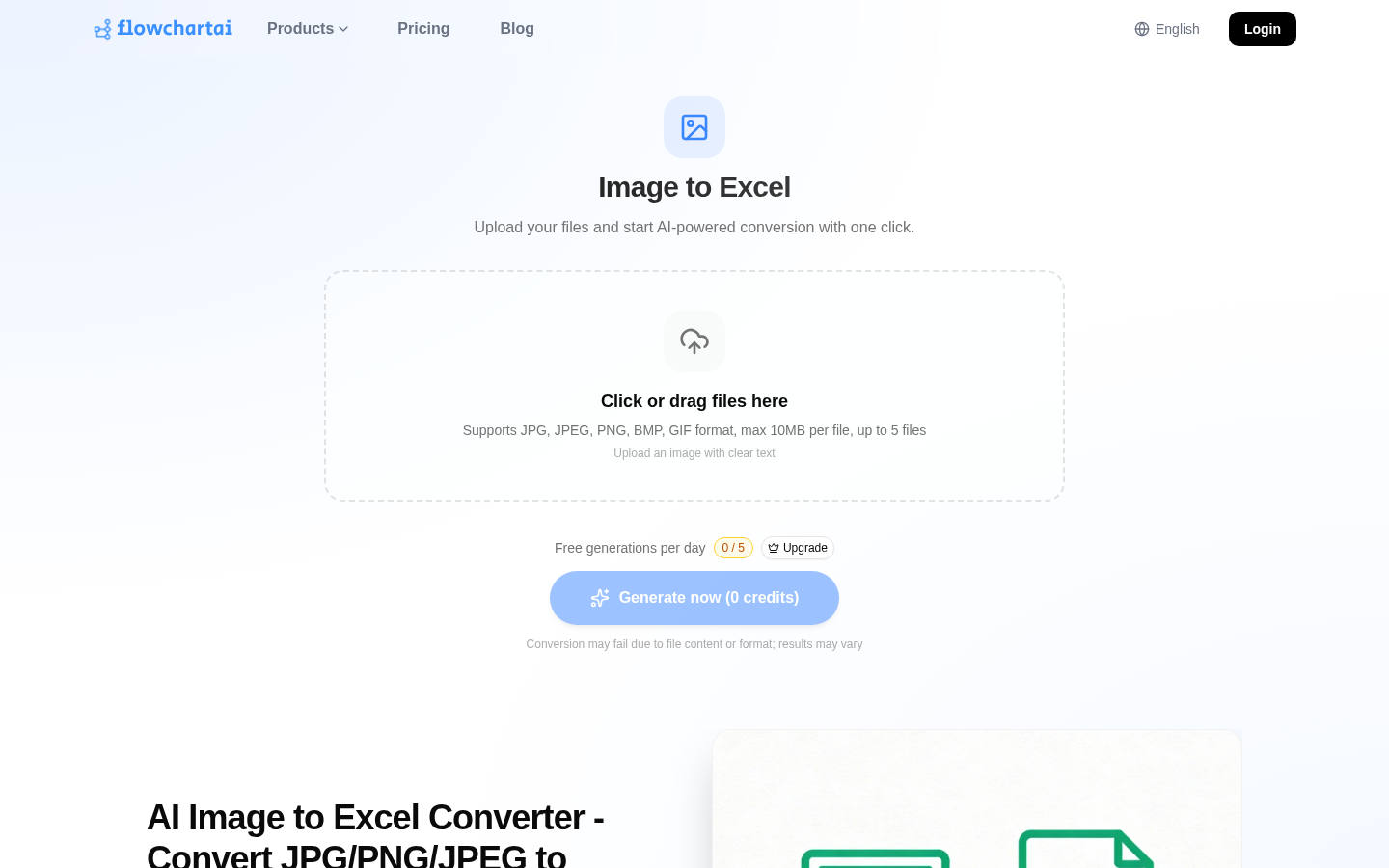
- Drag & drop your JPG/PNG file onto the website
- Let the AI scan and detect all tables automatically
- Preview and download your perfectly formatted Excel file
The whole process takes less time than reading these instructions.
Try It Yourself
Ready to stop retyping tables? Convert your first image for free