

Claude AI's Task Mode: Your New Smart Assistant Just Got Smarter
Claude AI Steps Up Its Game with New Task Mode
Artificial intelligence just got more helpful. Anthropic's Claude AI is rolling out a significant upgrade called Tasks Mode, designed to transform the chatbot into a proactive digital assistant capable of handling multi-step projects with surprising sophistication.
A Smarter Way to Work
The new feature introduces an intuitive dual-panel interface that changes how users interact with complex tasks. 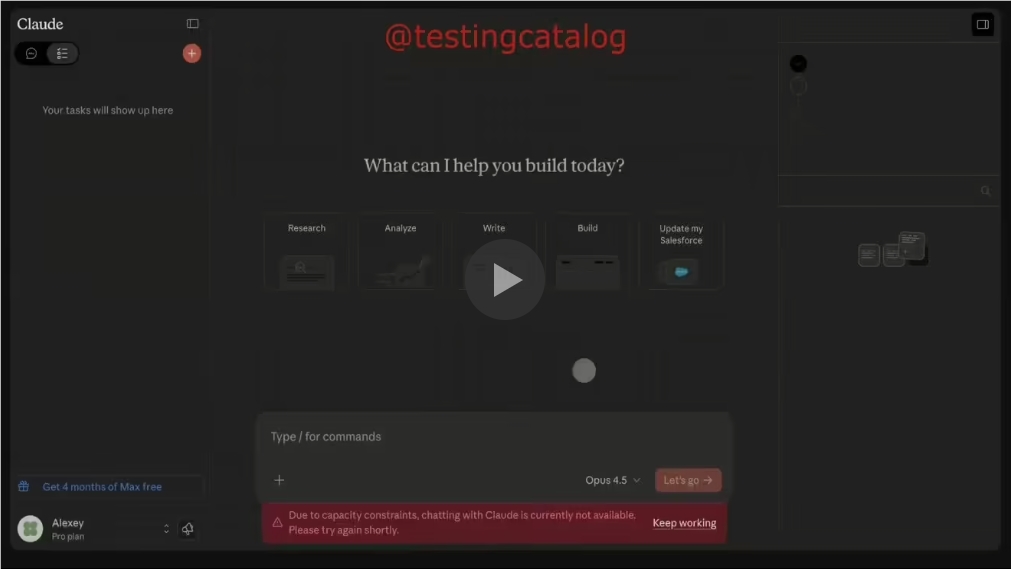 shows the clean layout - documents and context appear on the right, while real-time progress updates display on the left. This visual approach helps users understand exactly where their request stands at any moment.
"We wanted to create transparency," explains an Anthropic insider familiar with the project. "When an AI handles multi-step processes, users deserve to see what's happening behind the scenes."
Think Before Acting
What sets Tasks Mode apart is Claude's thoughtful approach. Rather than rushing into responses, the AI now:
- Creates detailed action plans before executing tasks
- Asks clarifying questions when instructions seem vague
- Smartly moves forward if users don't respond within reasonable timeframes
The system remembers something many humans forget - it's better to ask than assume. But unlike human assistants who might wait indefinitely for clarification, Claude knows when to proceed with its best judgment.
Real-Time Flexibility
The magic happens in execution. Users can:
- Jump in anytime to adjust course
- Add new context mid-task
- Preview work products as they're created
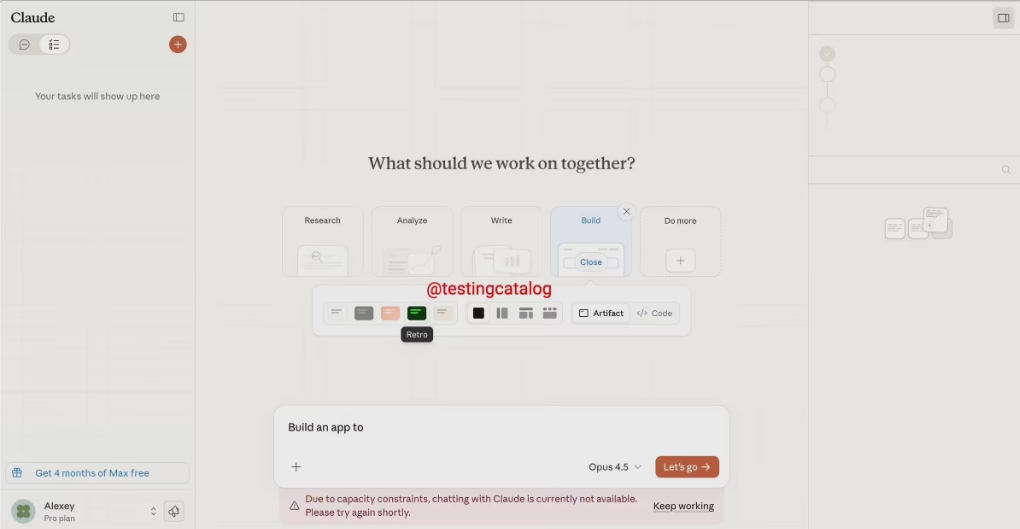 demonstrates how generated content automatically organizes into an "Artifacts" section for easy review.
"It feels more like collaborating with a colleague than commanding software," reports one beta tester who used Tasks Mode for coding projects.
Under the Hood
The upgrade integrates specialized "Skills" and Model Context Protocols (MCPs) that allow Claude to:
- Automatically select appropriate tools
- Generate functional code snippets
- Conduct web searches when needed
- Package everything neatly for user review
The system handles everything from writing tasks to building simple web applications - then stores all components together logically.
Key Points:
- Visual workflow through dual-panel interface enhances transparency
- Structured planning prevents misunderstandings before work begins
- Real-time adjustments keep users in control throughout processes
- Automated organization collects all outputs neatly for review
- Expanded capabilities now include coding and web development tasks